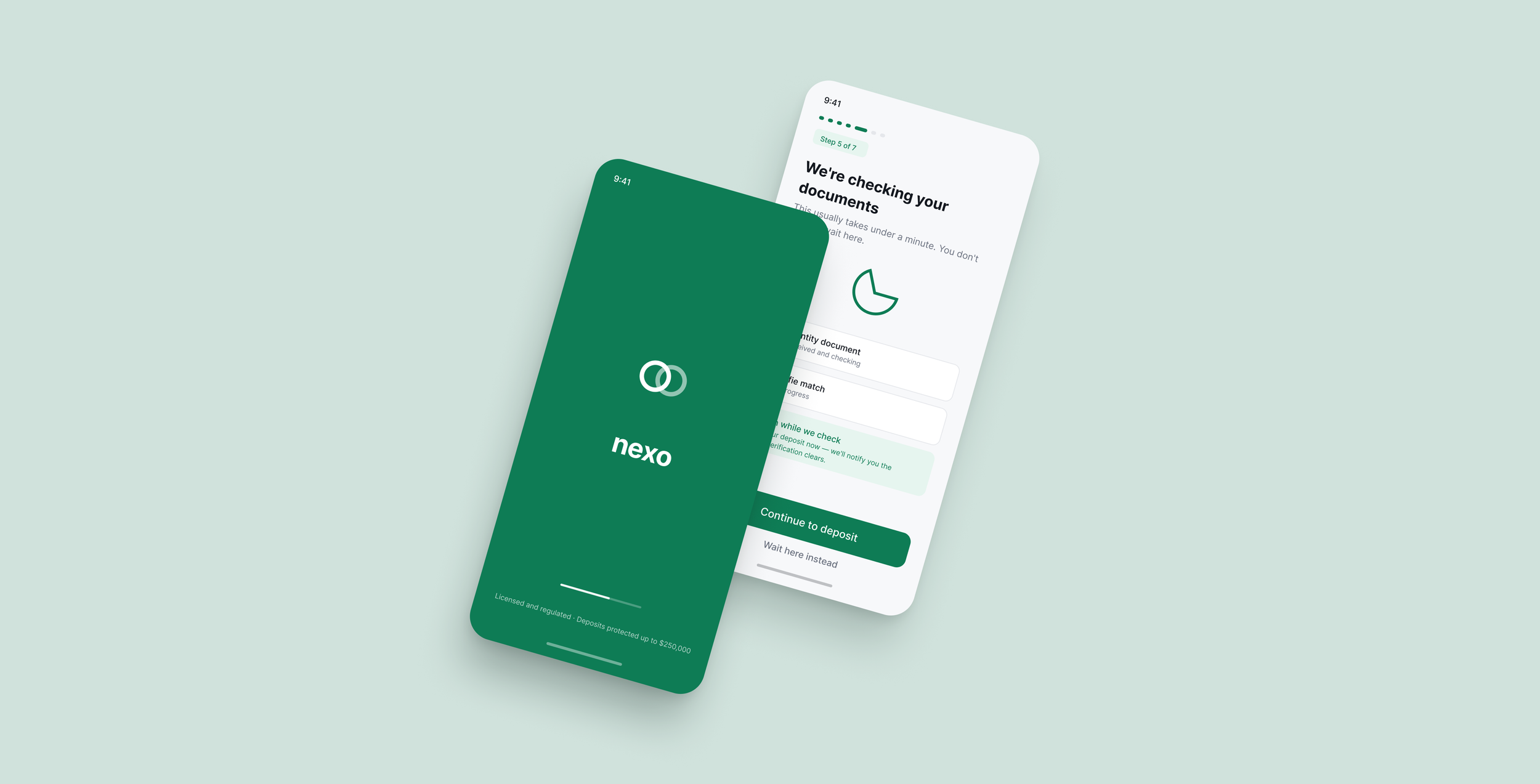
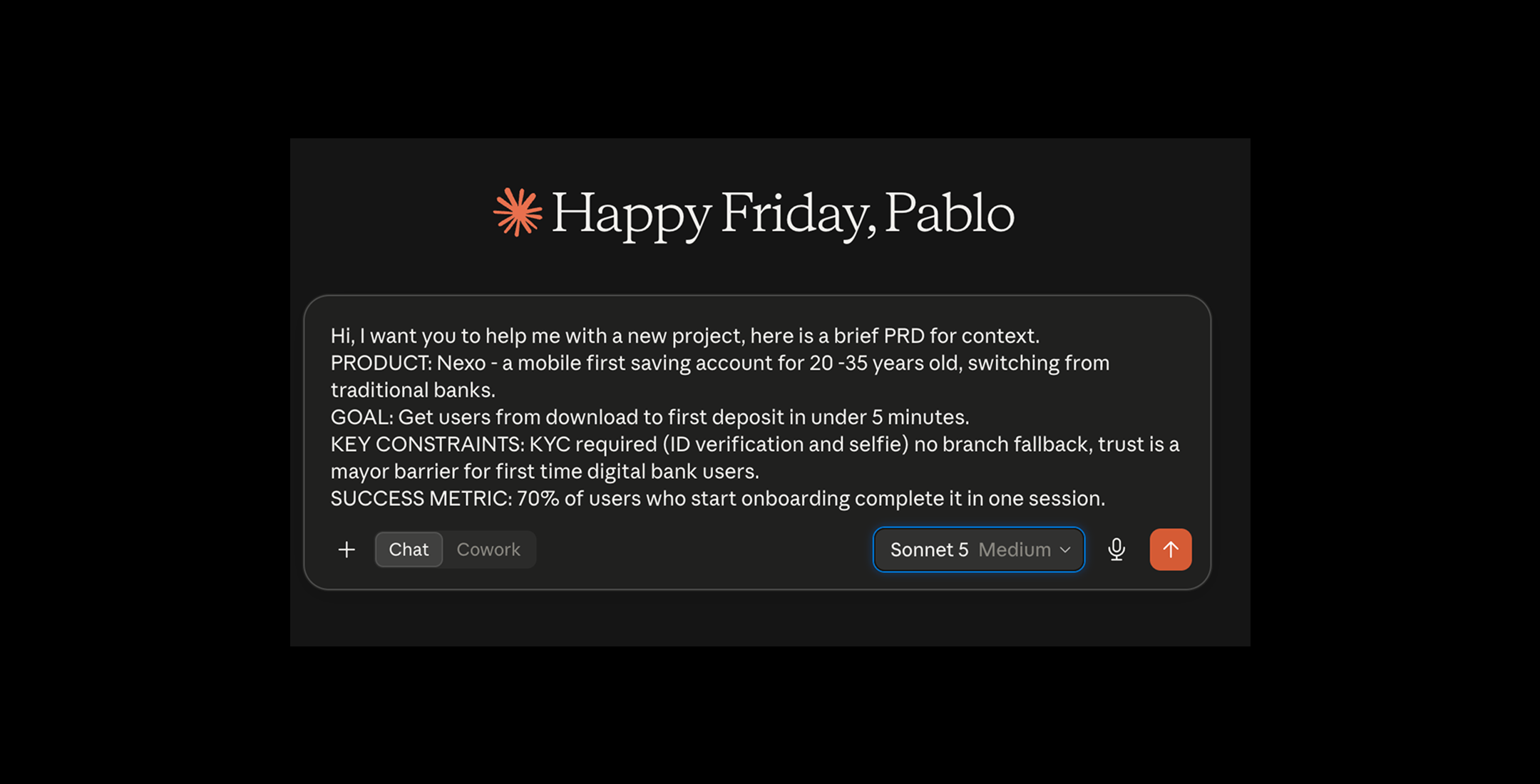

Ok so, I have here a project in Claude with a PRD for a bank, that hypothetically is called Nexo, the goal is a Know Your Customer flow, (KYC) and I will ask Claude to map this onboarding flow, using a prompt.
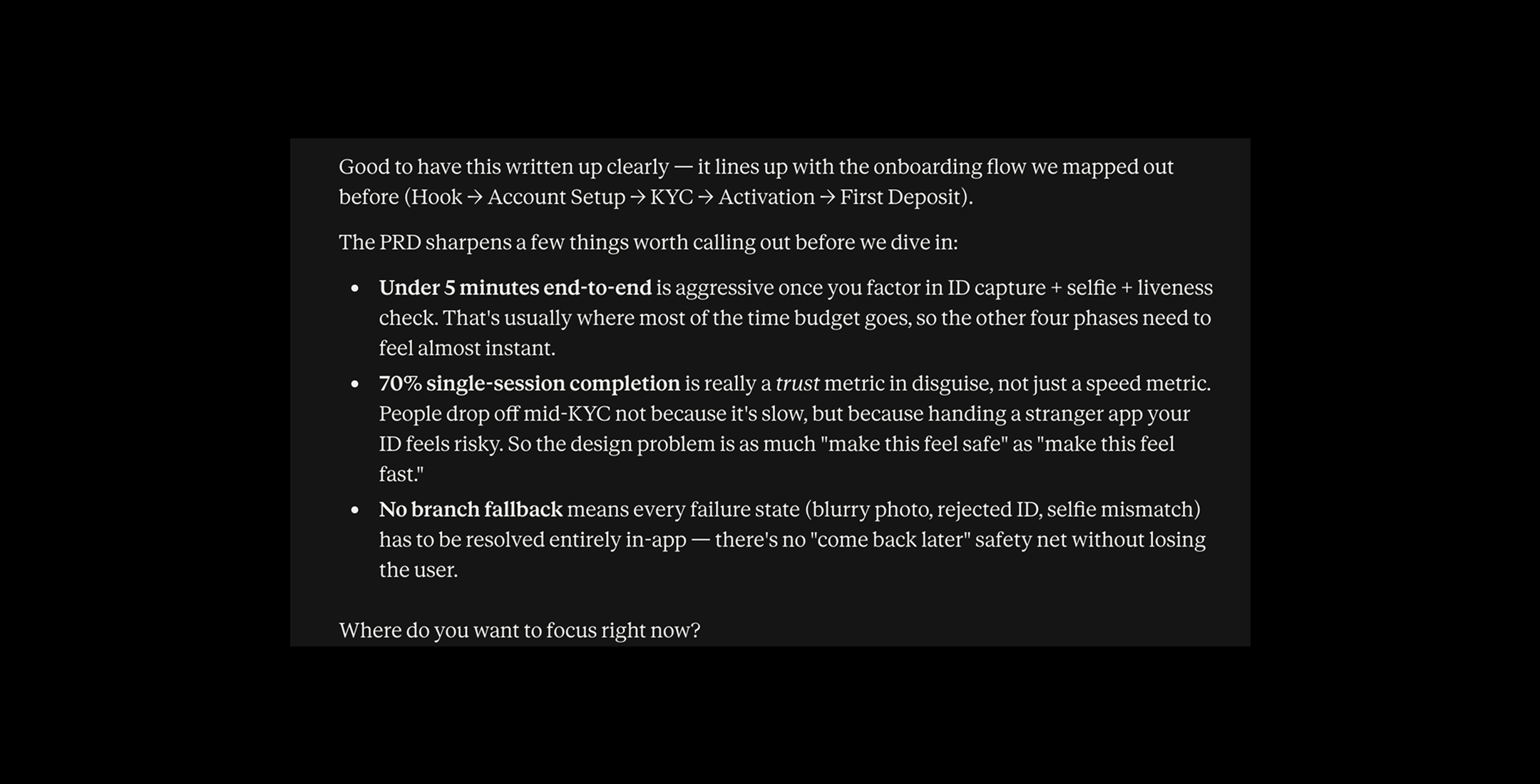
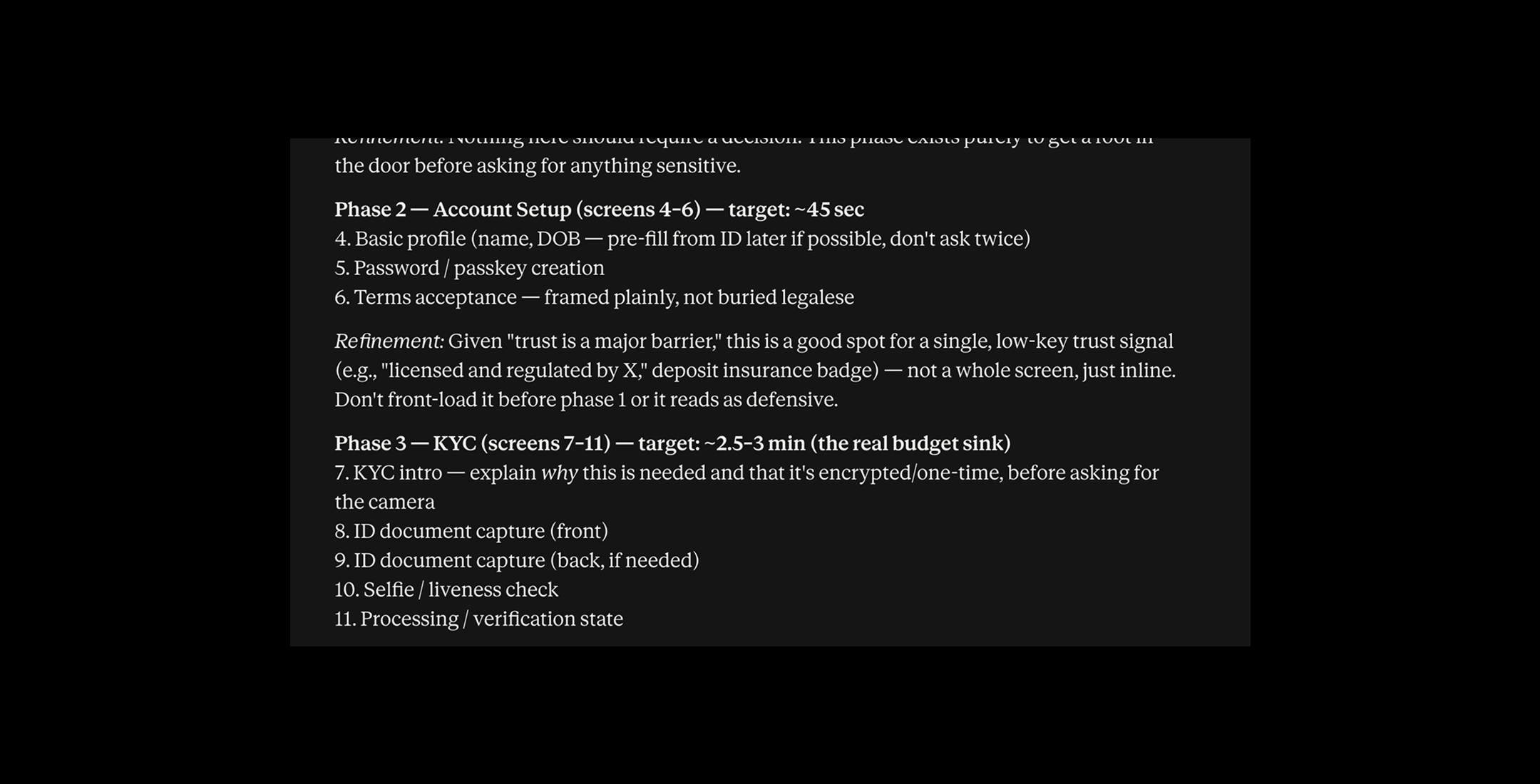
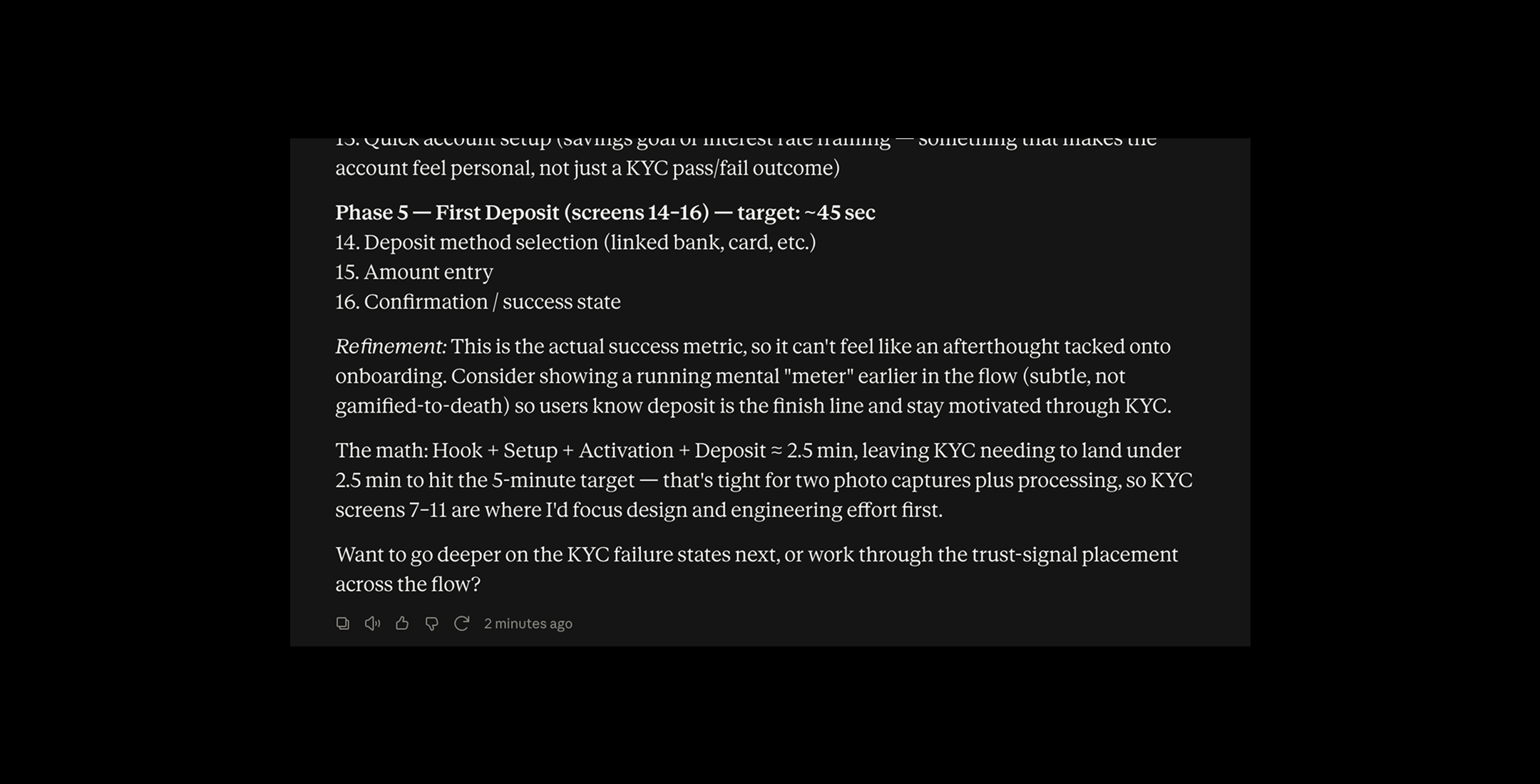
Claude did a lot of thinking and provided extensive information about how to sort out the problem.
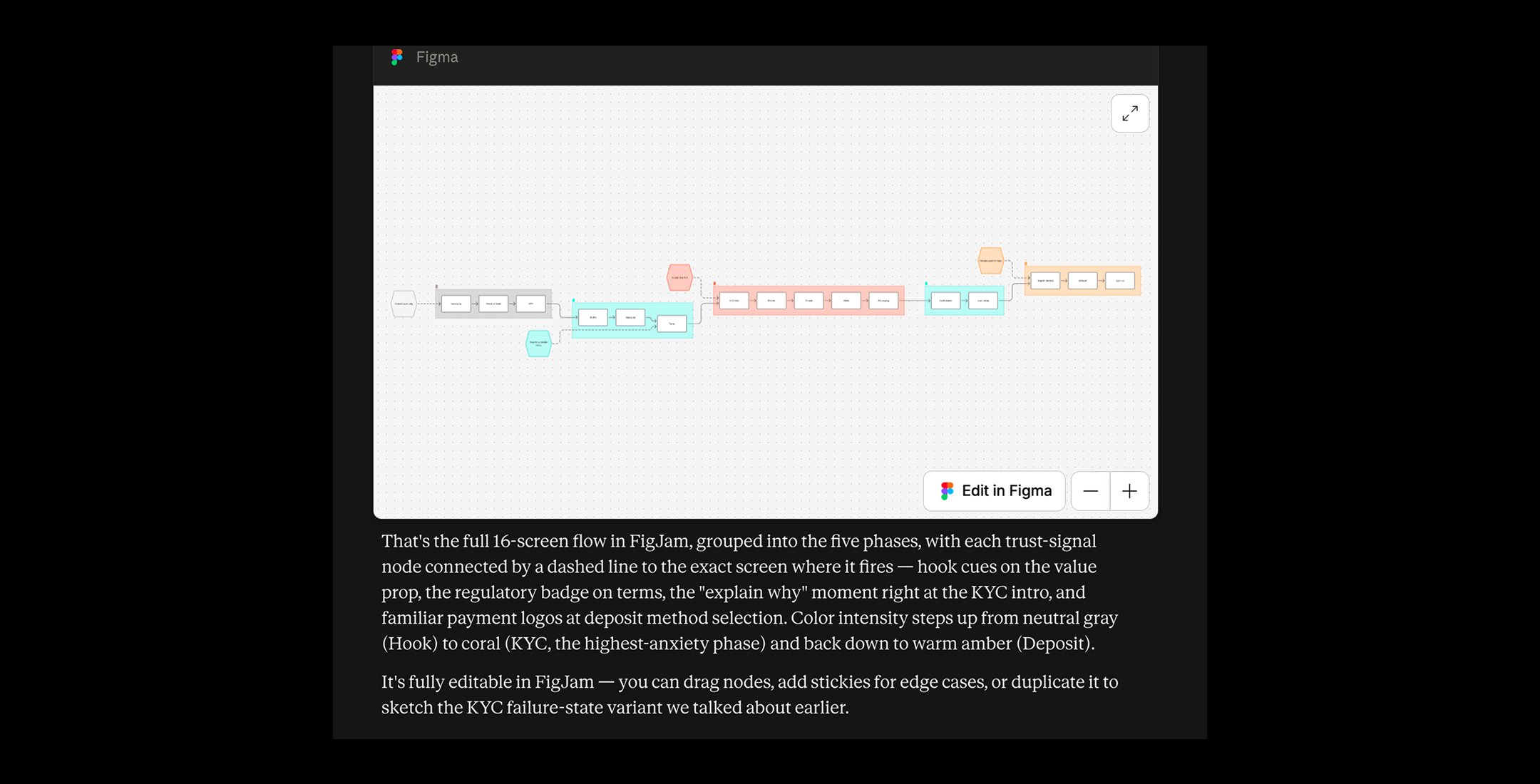
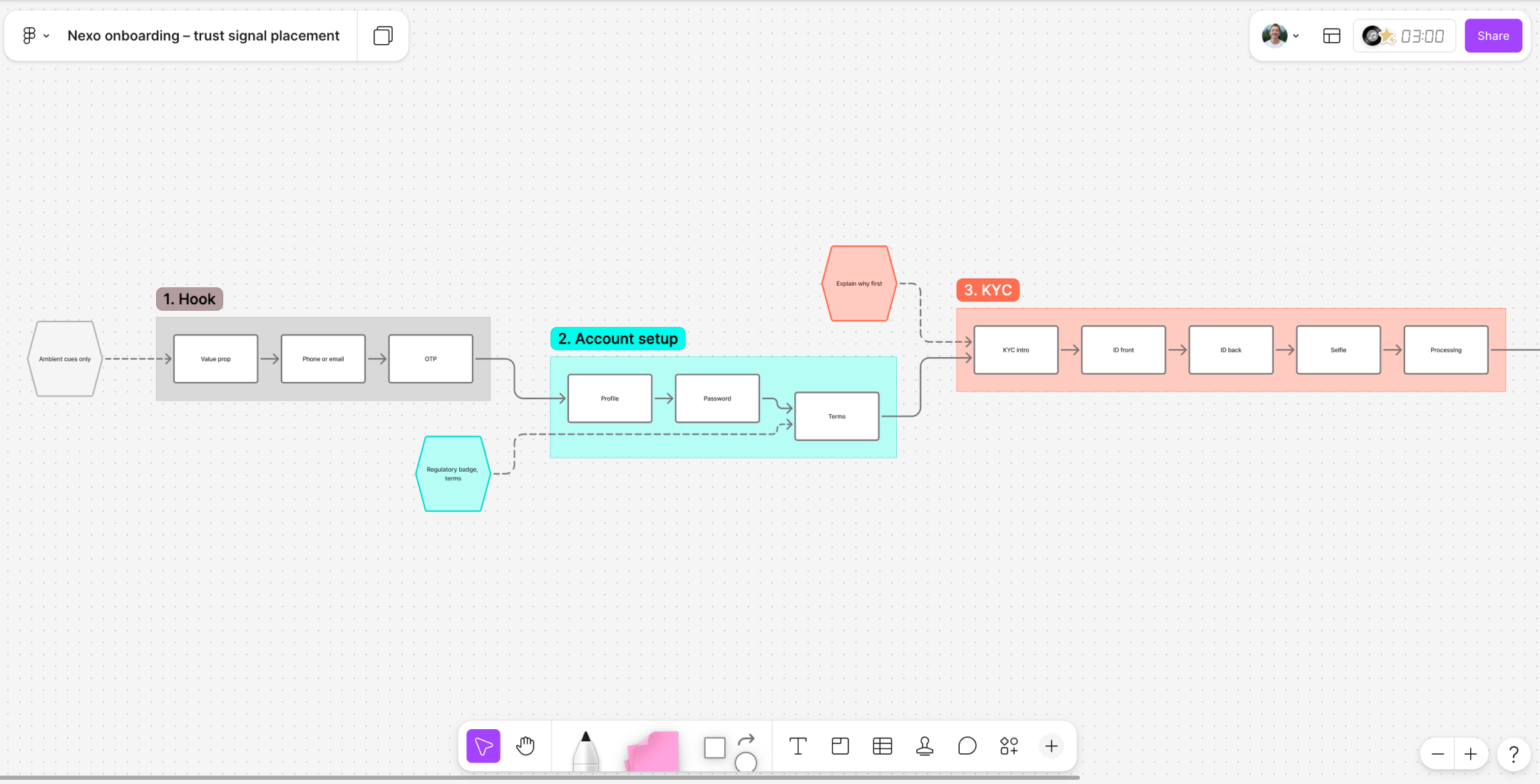
With all this information what I want to do is have this flow visually.
Claude made a pretty good job, for a first pass, but there are some things it is not telling me.
1- What should critical moments look like?
2- How other apps deal with this problem?
3- What does that moment look like in a product that converted well
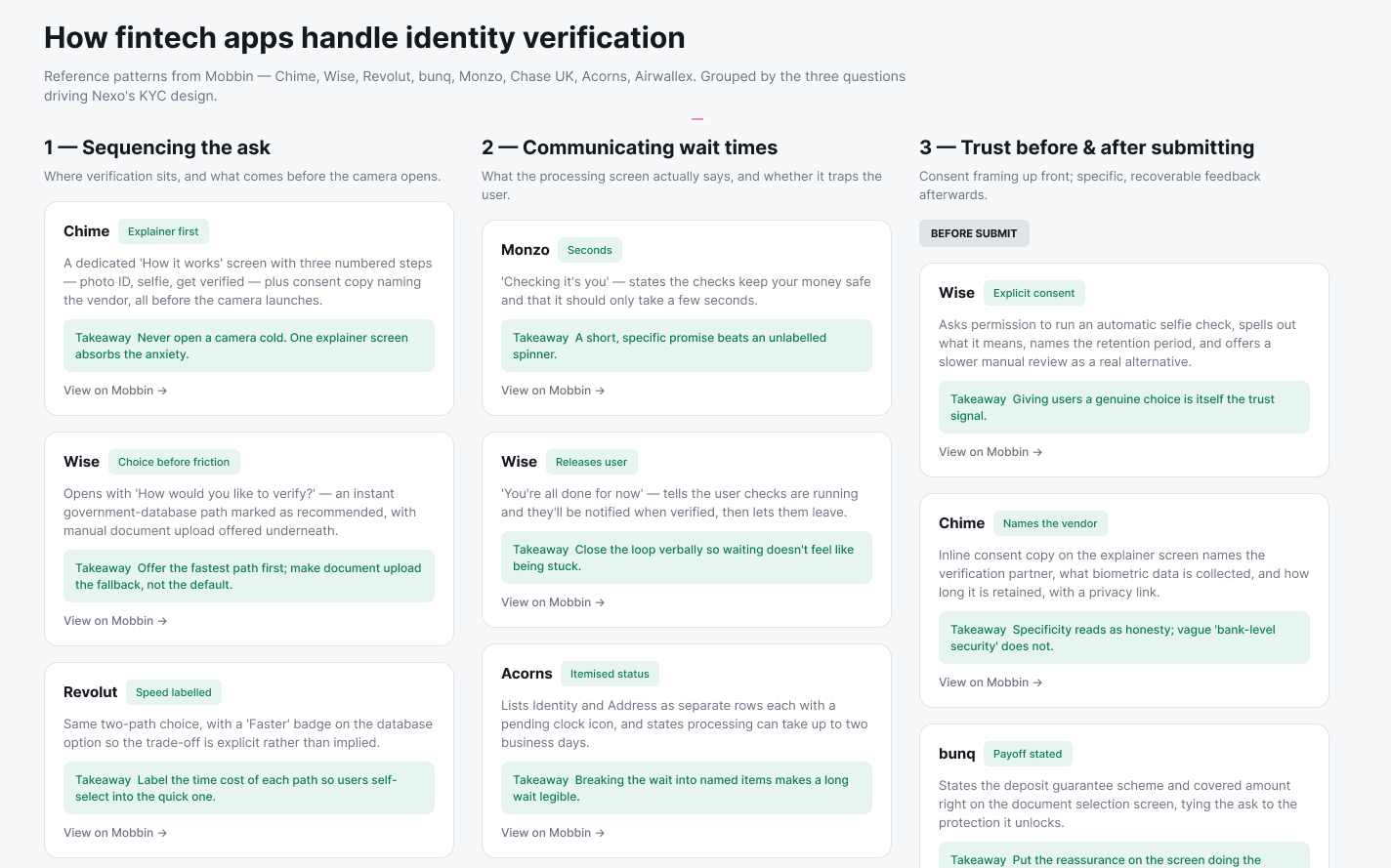
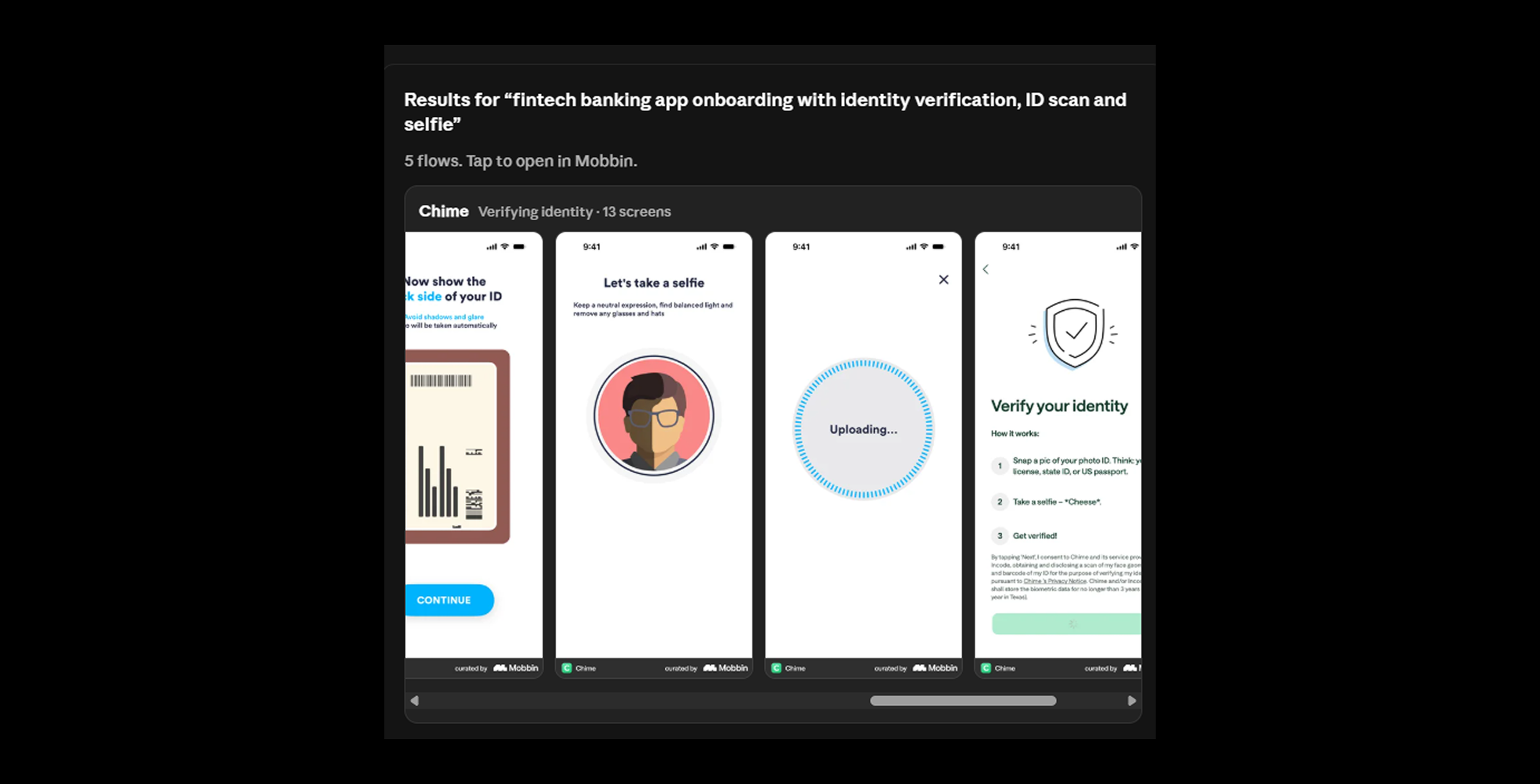
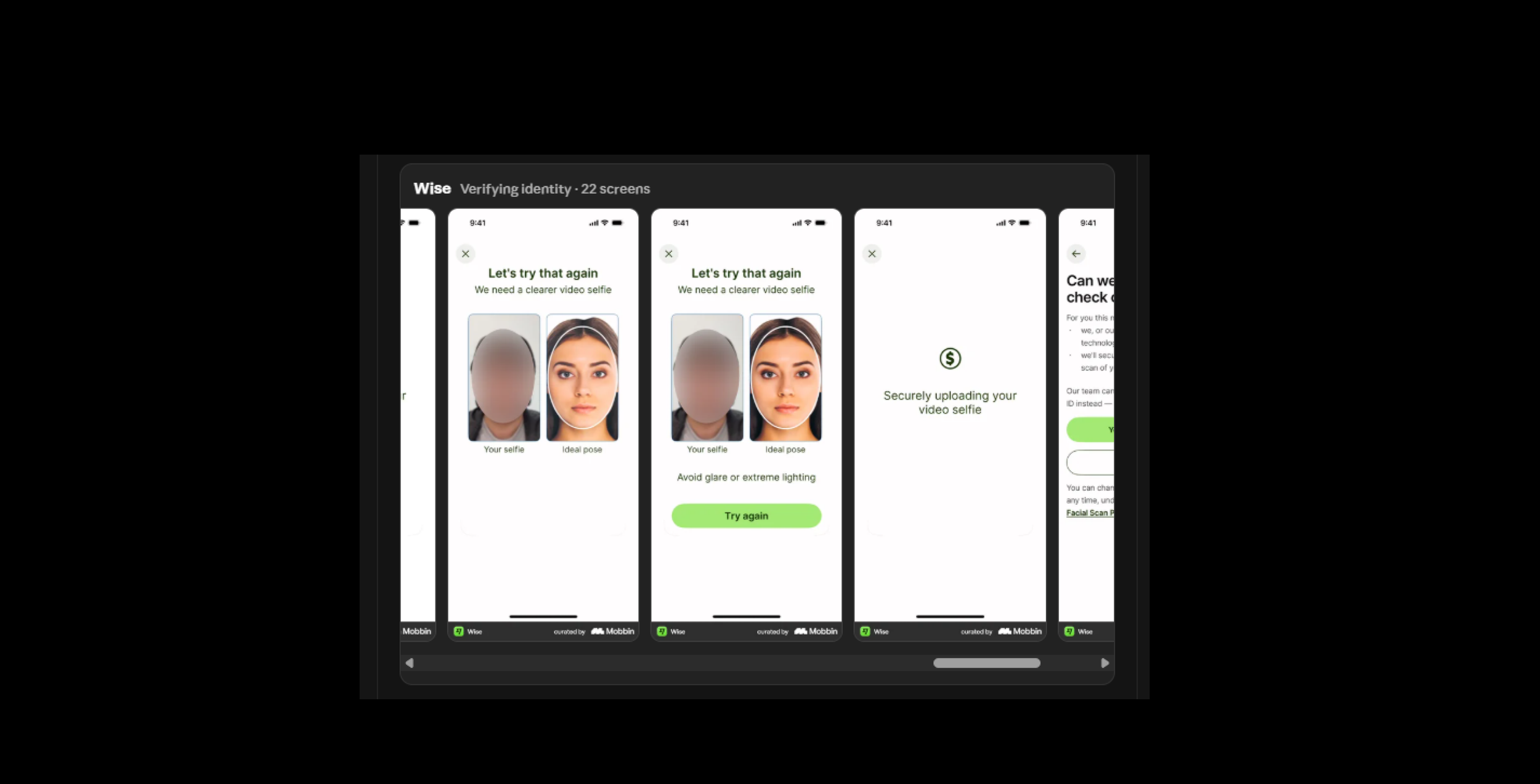
These are reasoning questions, that Claude answer from assumptions, that`s why we will use Mobbin MCP to reference from actual companies and real problems.
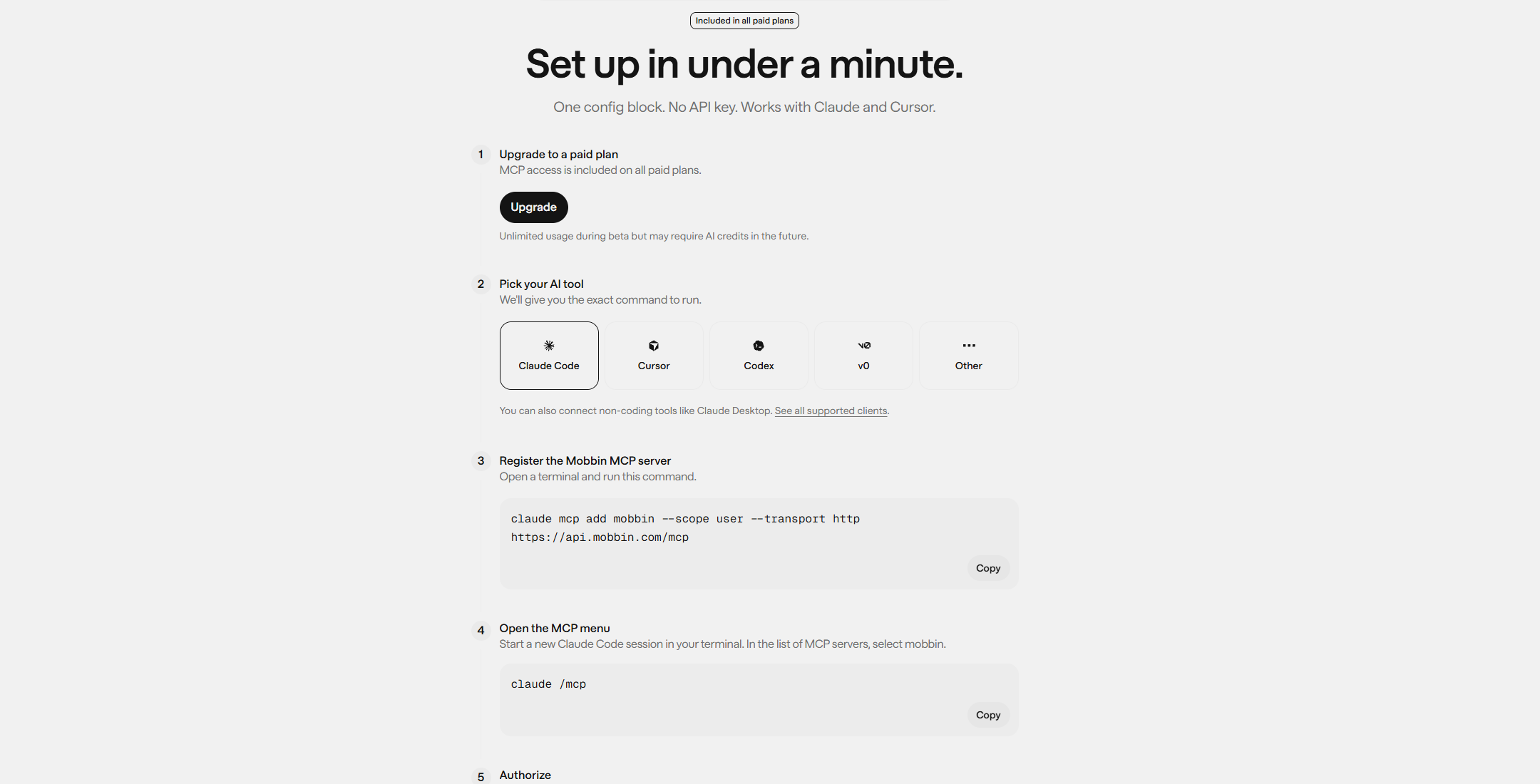
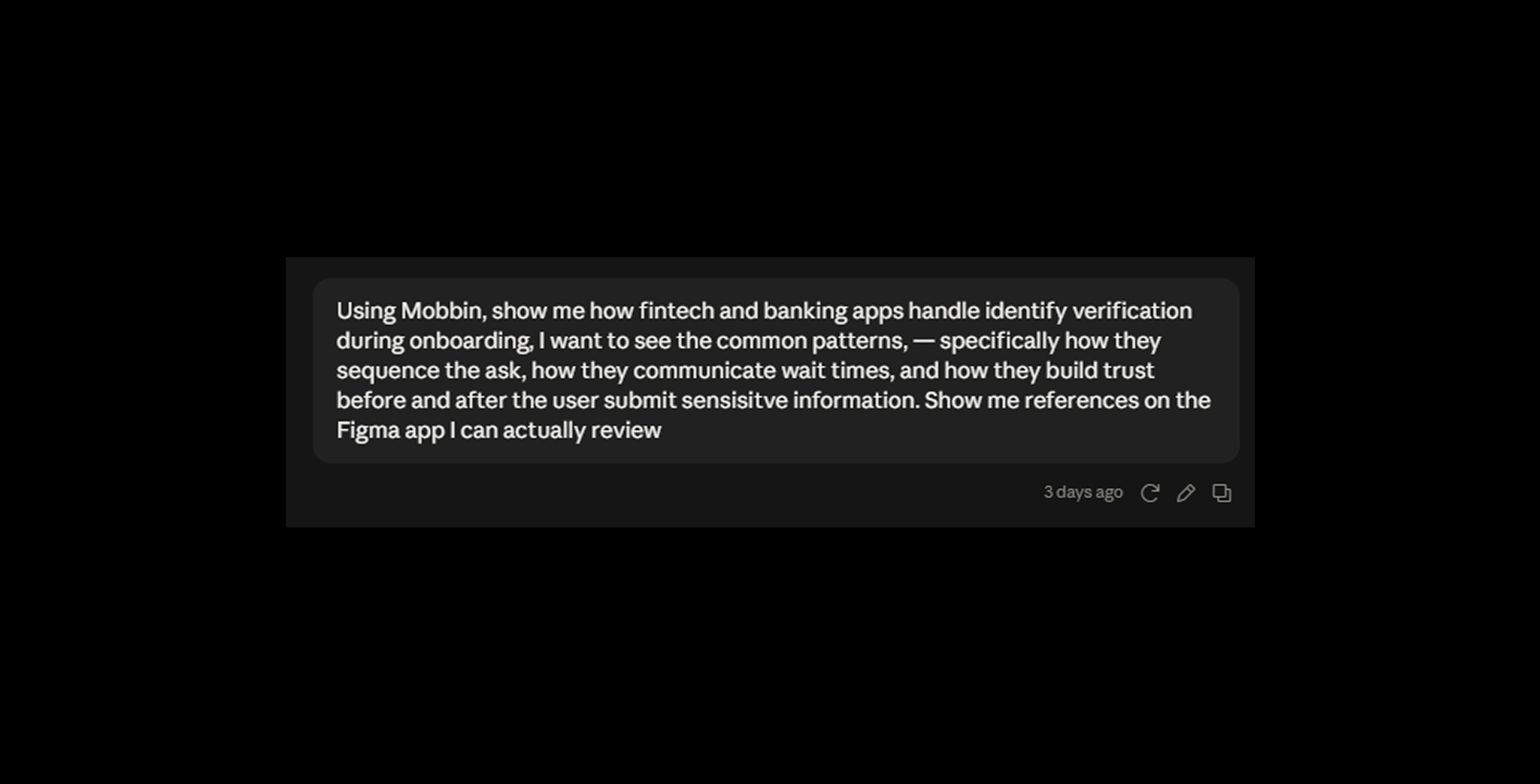
After connecting the MCP to Claude Code, I prompted again, using Mobbin’s extensive database of design examples.
Now we are in a point in which, we watch the finer details of what a flow should fell made by designers.
This is what separates AI slop from AI Assisted design.
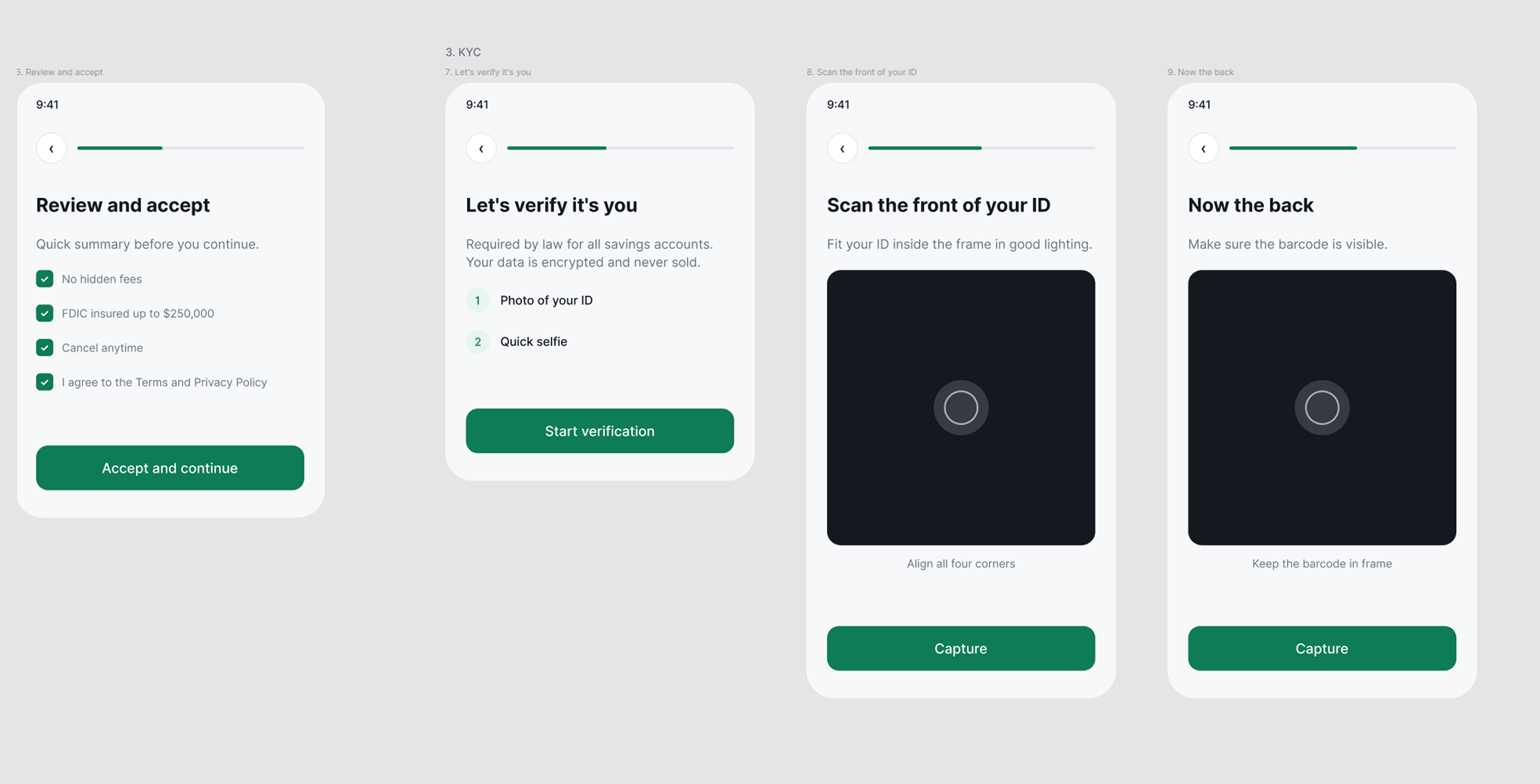
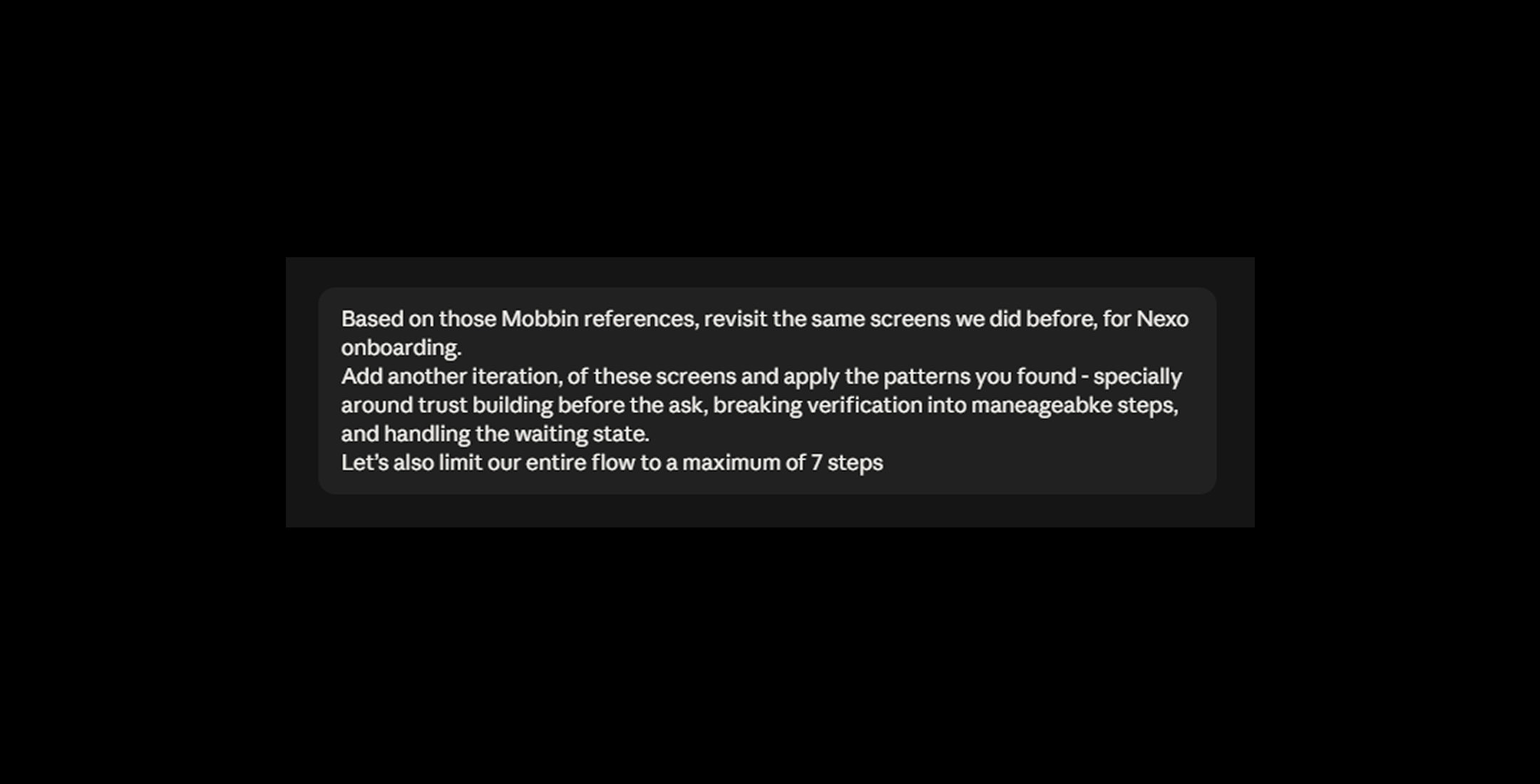
Let’s go back to Claude with this context, and ask it for another pass, what I will add in this new prompt, is reduce the amount of steps to 7 and reference the examples from the Mobbin MCP.
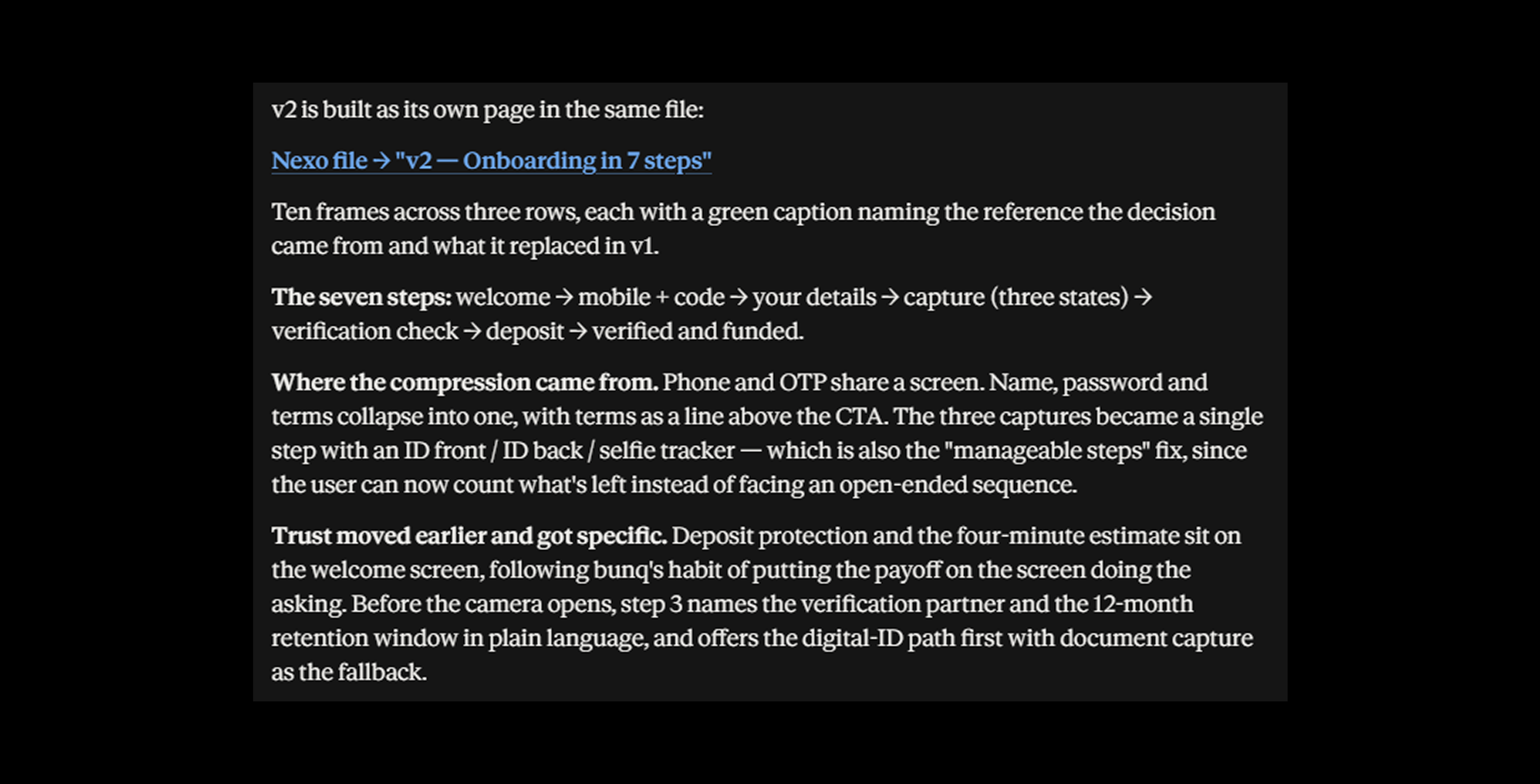
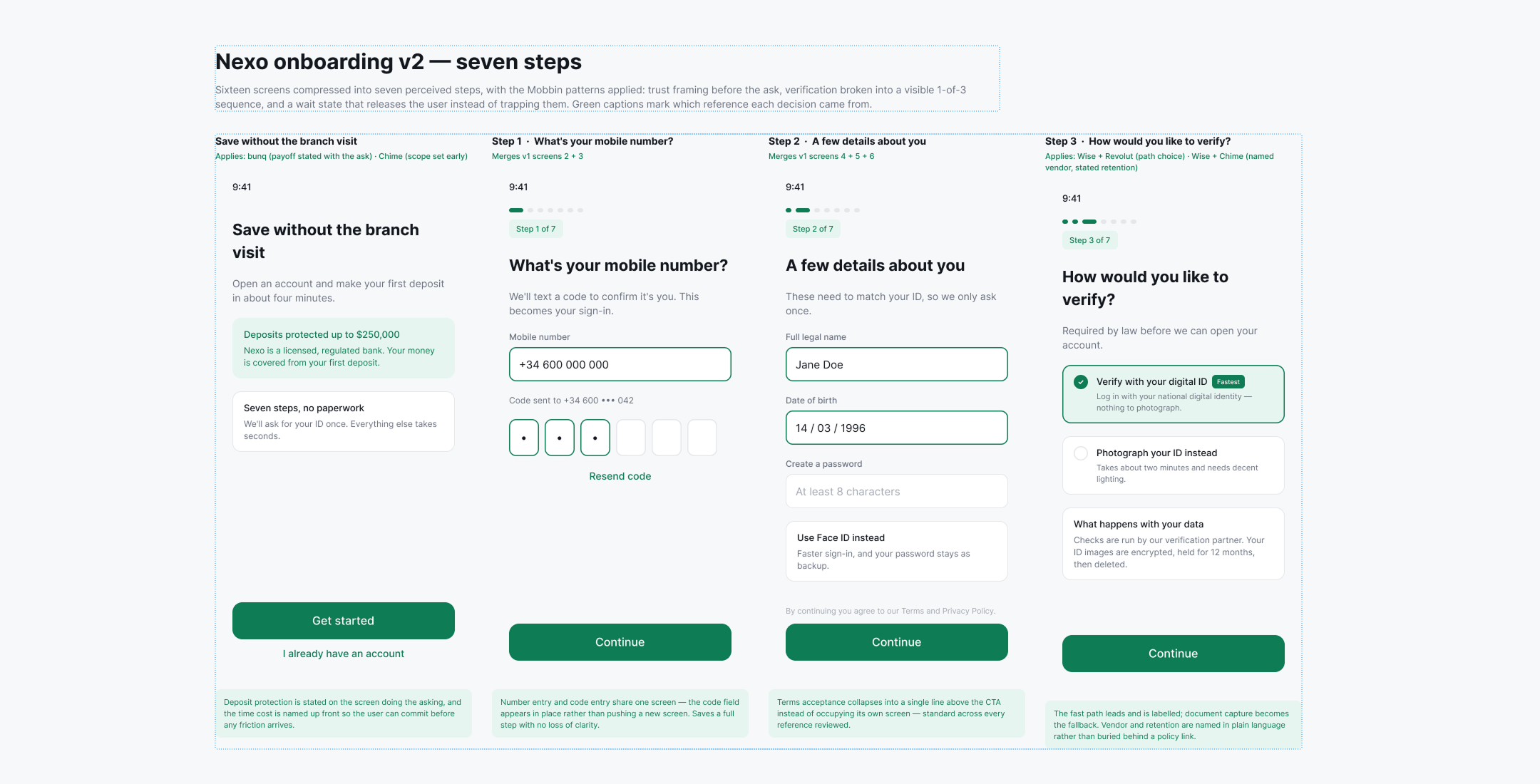
What we got with this approach is to create a solution that involved using Ai as a helping tool but getting support from a database with real products, it helped to create solutions based from how others have sorted it and a different approach on how to combine AI, MCP and human decisions.