

As part of my Master at IDEO, to learn the main skills and mindsets of design thinking and how AI can be used to complement this process, I had to choose a project to start with.
This process was divided in 2 parts, first, getting insights for innovation, (observing, interviewing, empathising) and with that in mind listing as many insights as possible).
On part 2, called ideas for action we used AI to create prototypes from our initial brief, using a learning by doing perspective.
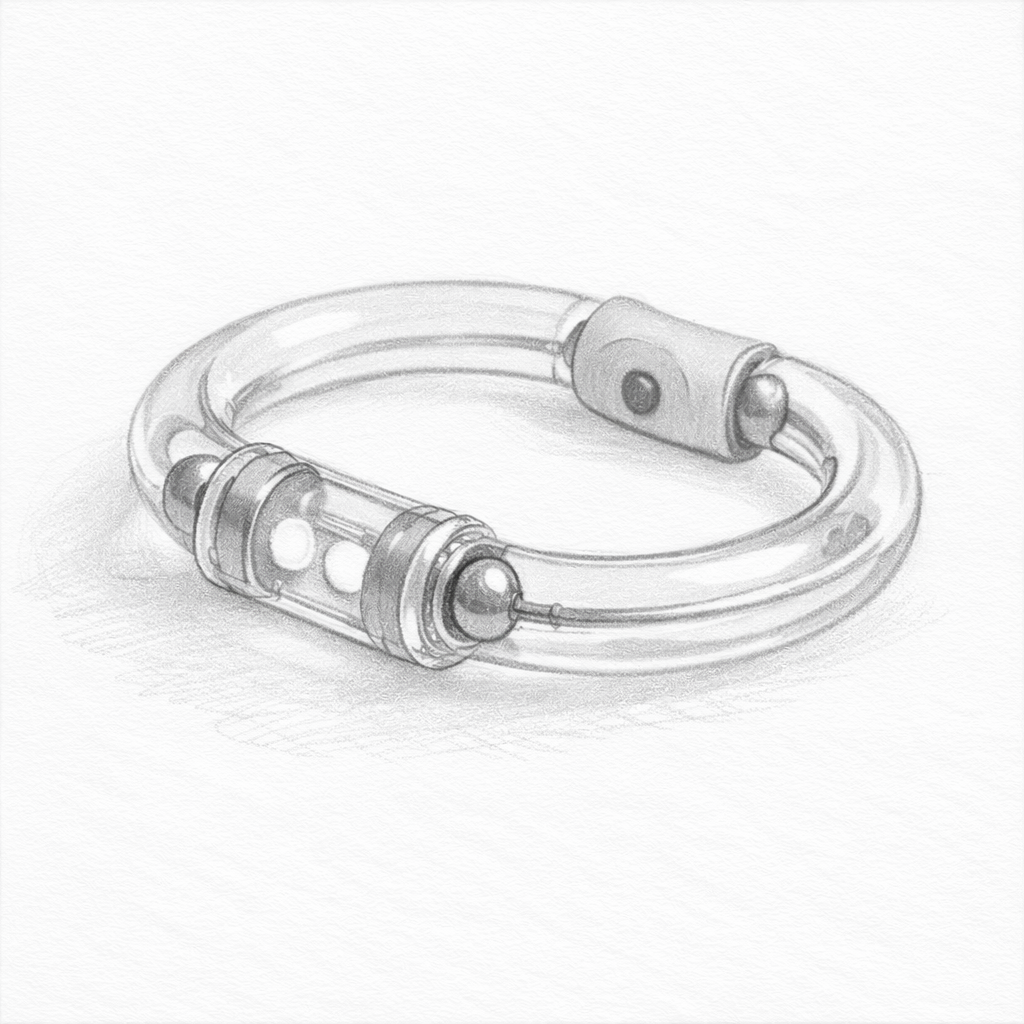
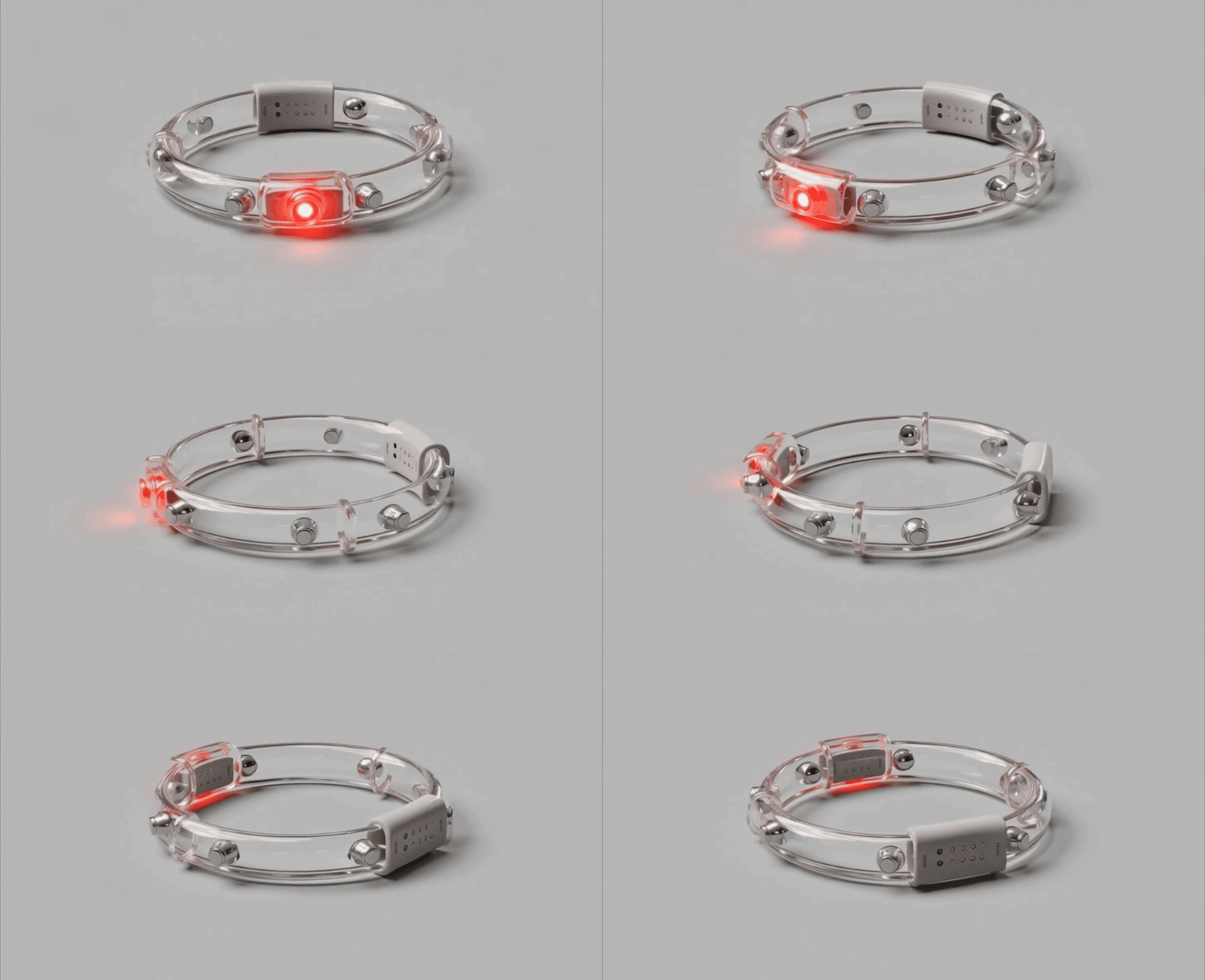
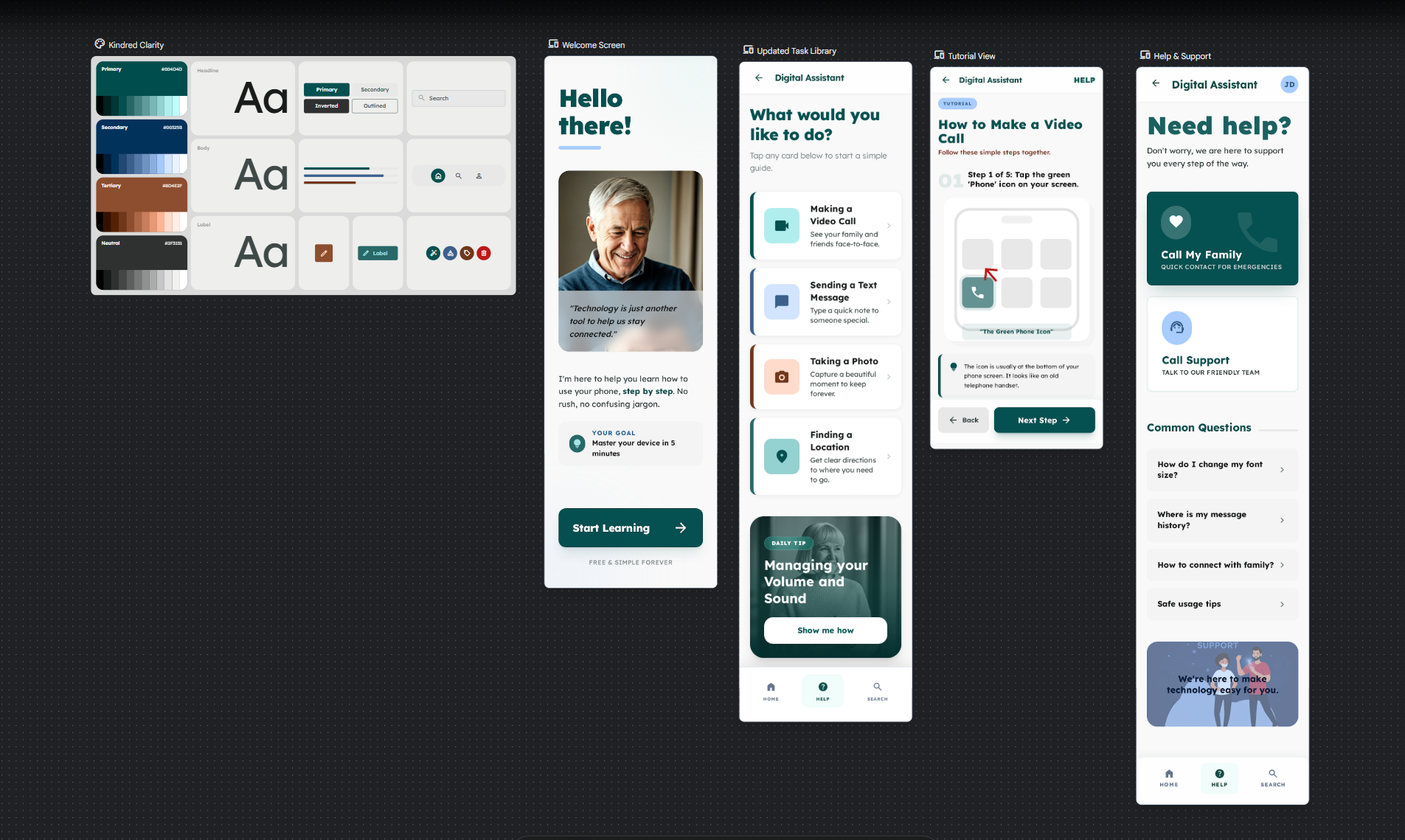
The result is Amiko (friend in japanese) and similar to amigo, friend in spanish,
In the next steps I will explain the process to this result.
IDEO's projects have in many cases, a social application. I tried to choose a project in which I could be directly involved and that personally affected me.
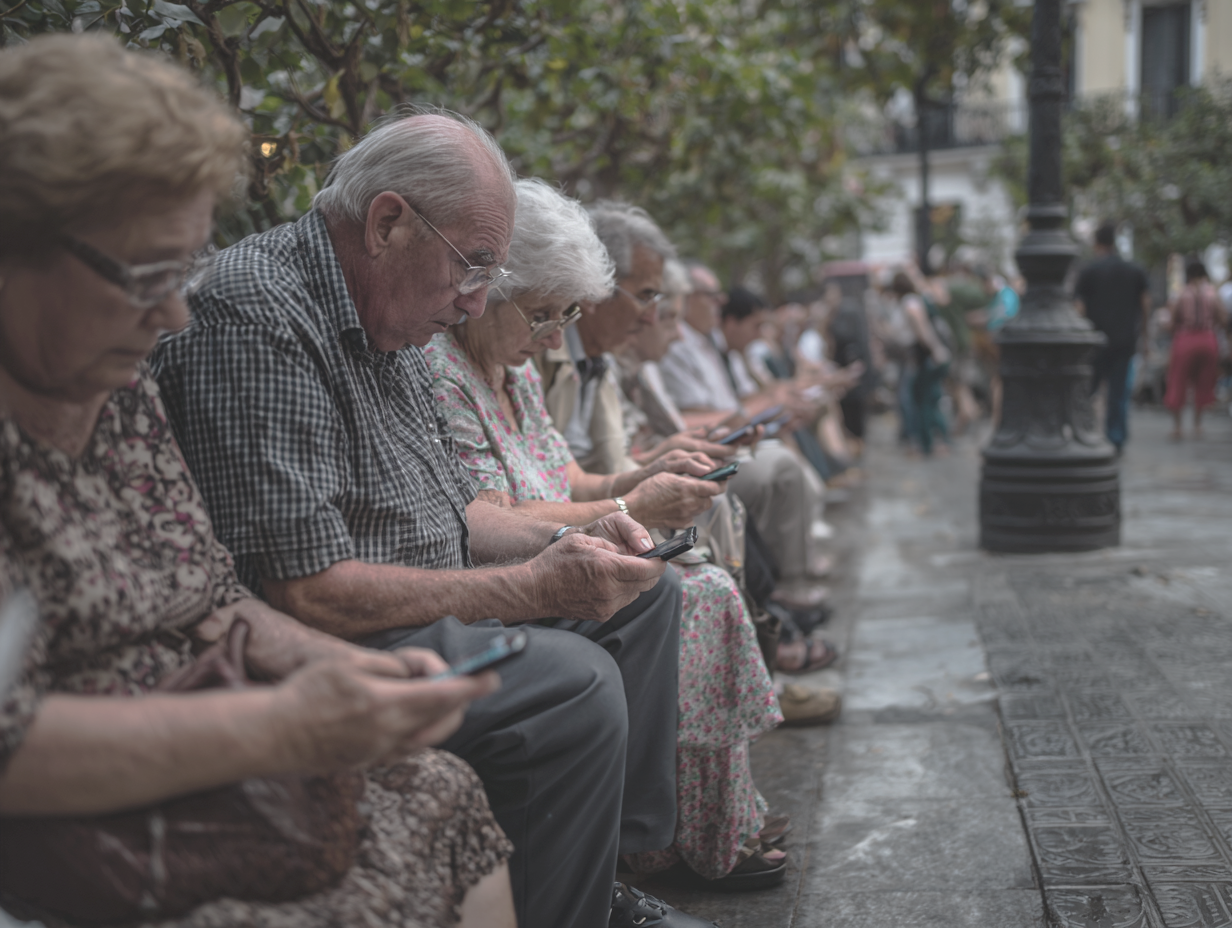
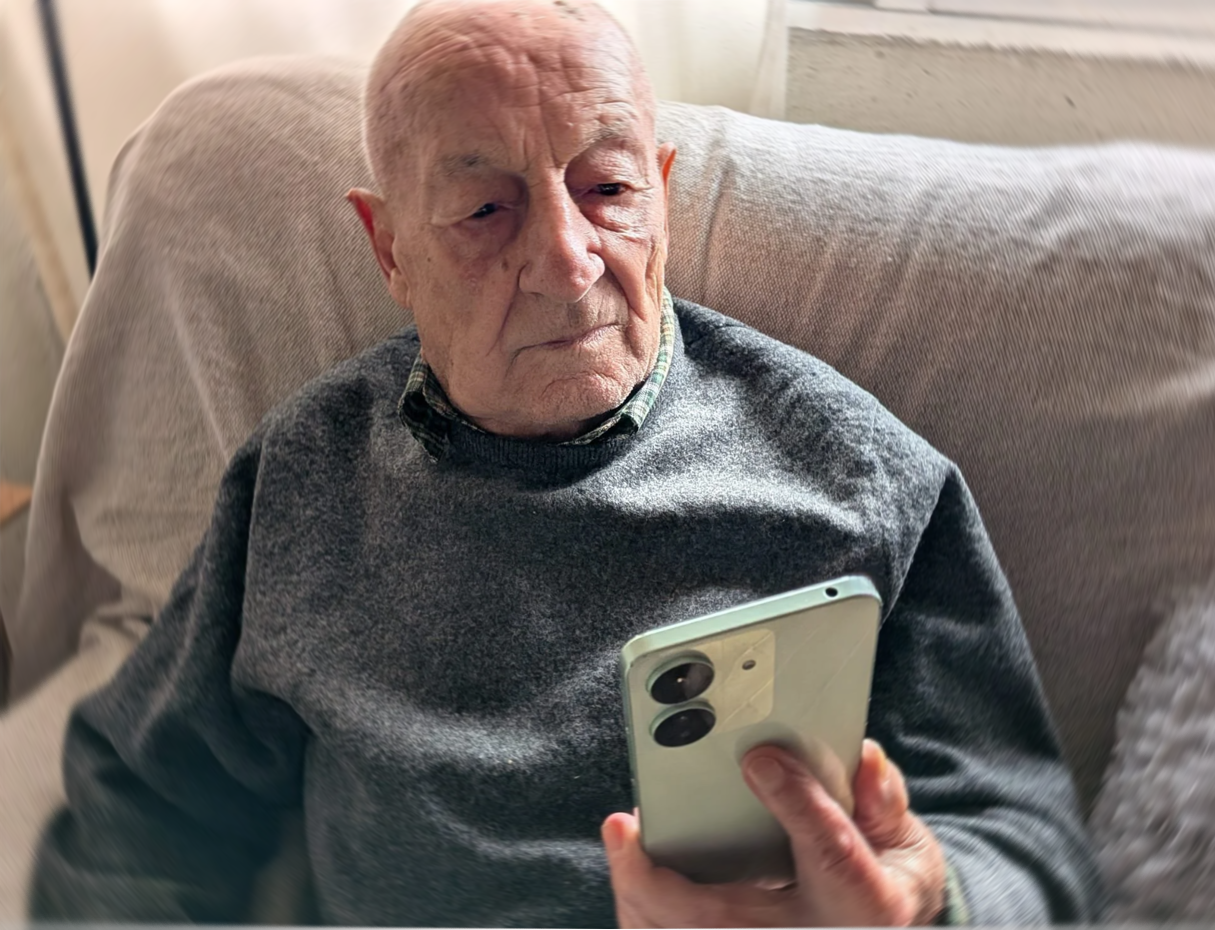
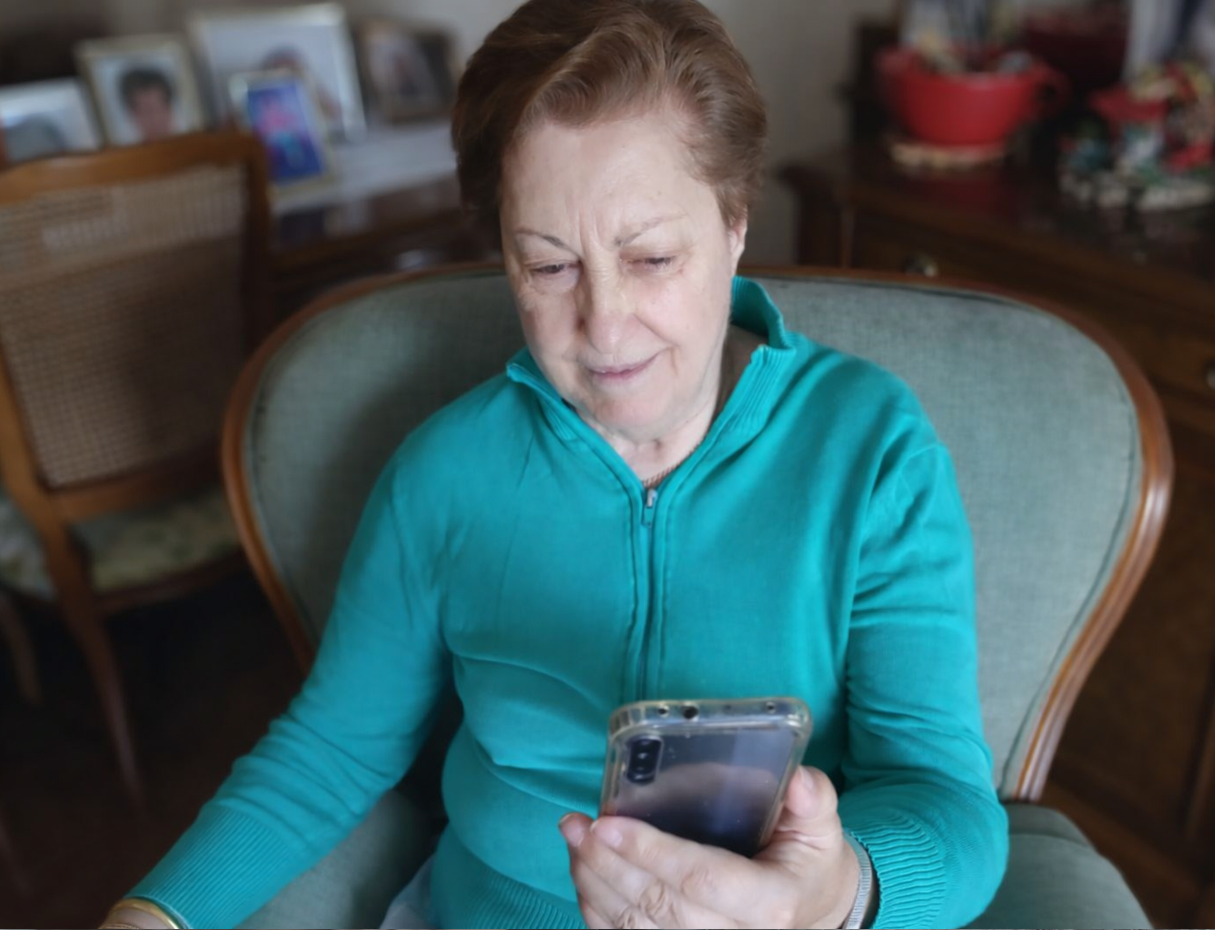
Considering the large number of older adults who have difficulty using their mobile phones, and how this sector continues to grow, I decided to undertake “How to help older people improve their use of existing digital technologies”.
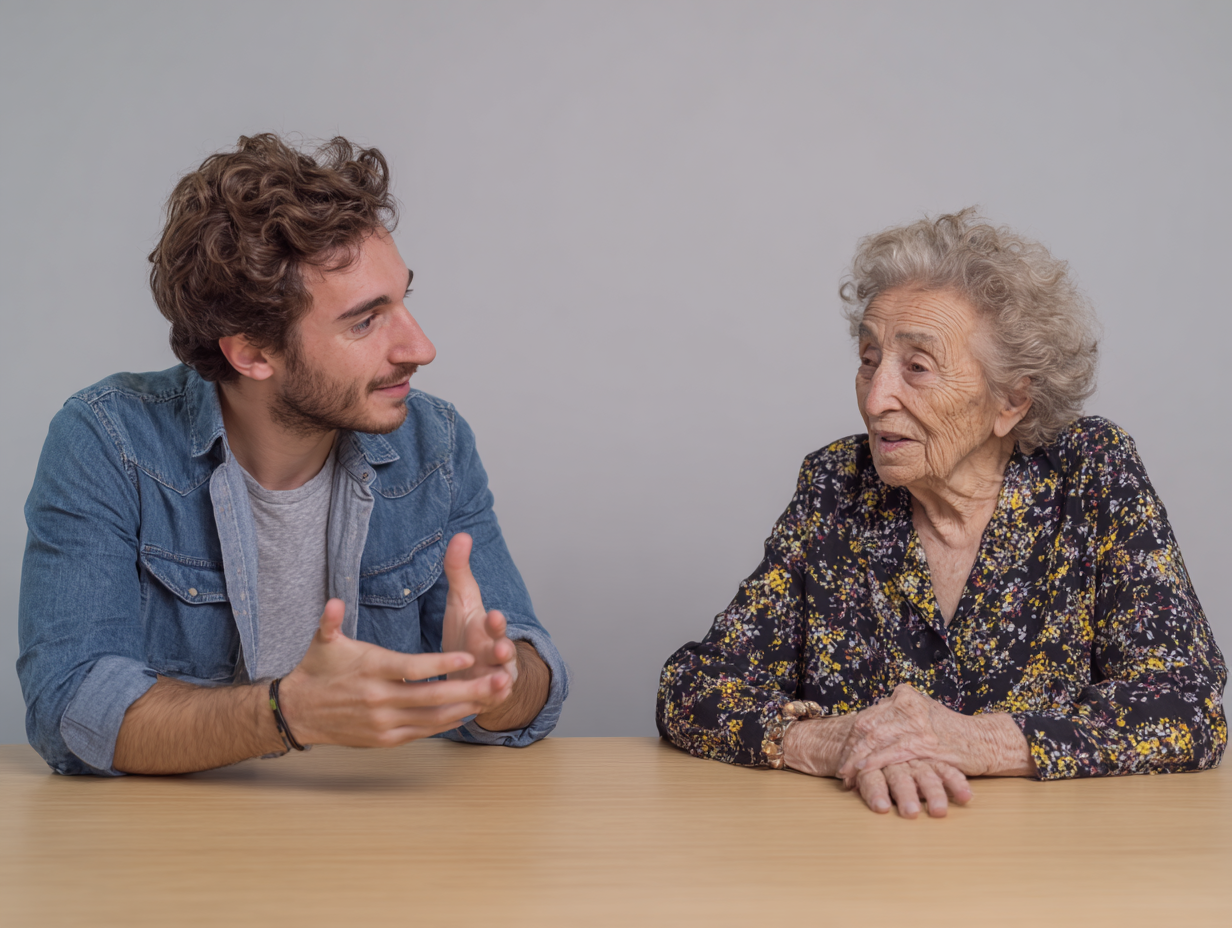
Asking the right kind questions and setting the stage were two important lines on how to interview this segment of the population
I approached this more like a conversation so users were more relaxed, getting to know them, attending to body language to learn their pain points, trying to get as much rapport as possible.
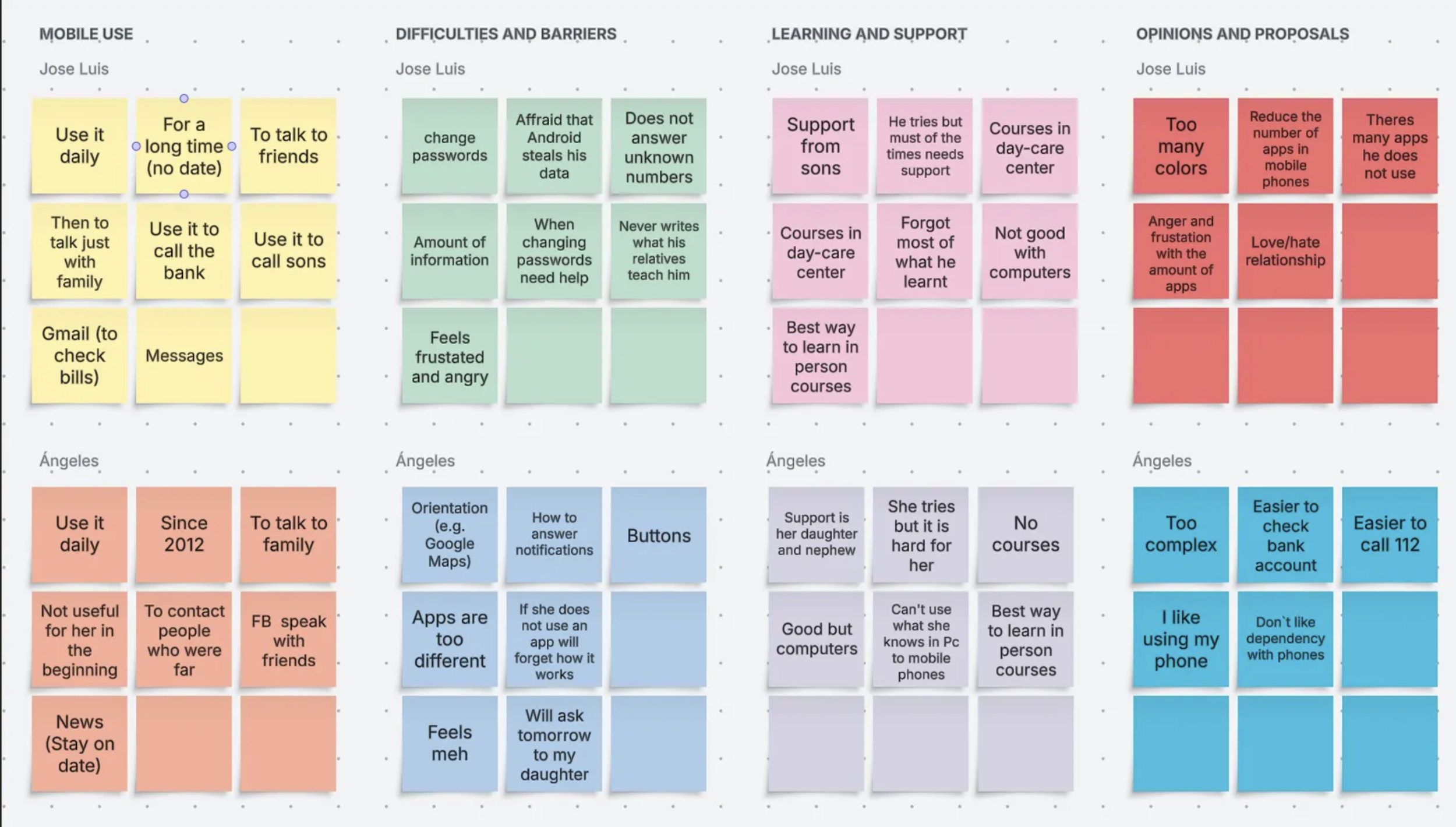
I divided the form in 4 sections:
Section 1: General Experience with Mobile Phones.
Section 2: Difficulties and Barriers.
Section 3: Support & Learing.
Section 4: Opinions and Suggesstions.
You can access to the full form here
MOBILE USE
"Users over 70s use mobile phones to gather information, contact close relatives, and reduce loneliness"
Changes in how society works at least in Madrid made that there is less comunication between neighbours, also as these users got older they GET isolated from their friends so they need to ask for help to closer relatives
Although users tend to use a small amount of apps they handle the ones that are easier to use, Gmail, TV Programs, Messages, Whatsapp also those they use on a daily basis.
(!) When they started old mobile phones they did not do that because they had the urge to do that just because it was easier to stay always in contact with people.
DIFFICULTIES AND BARRIERS
“Users over 70s don't use apps out of their confort zone, the reasons are misunderstanding and fea”r.
“Users over 70 years fear that some apps out of their confort zone could steal their data”
(For instance Jose Luis does not want to open the bank app or some of the apps that dare not dangerous, just in case the suplant their identity or steal data).
PROBLEM SOLVING
“Users over 70 years rely on close relatives (sons Jose Luis, and daughter and nephew Maria Angeles) to sort digital issues”
(Both of the users had already been in PC or Window Courses, but they did not practice what they learnt, Mª Angeles can useYoutube, but finds complex to learn digital related stuff from there so they don't learn new things, they just ask their relatives the problems they need to face).
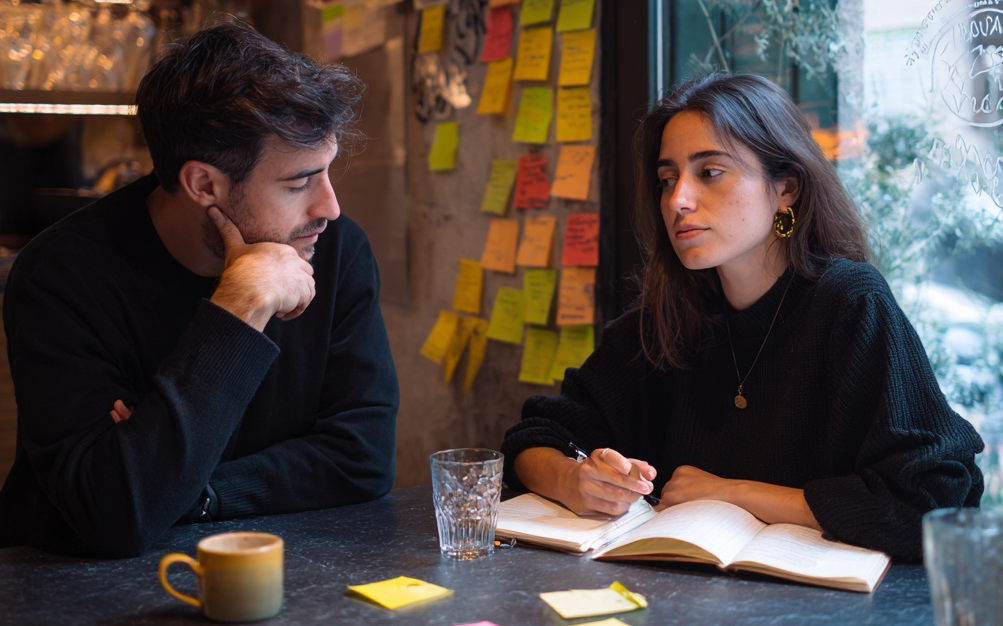
The next step in the process was ideating, and the best way to do that was with my friend Vittoria, who is a freelance UX Researcher.
We reframed the “How Might Question” (HMW) to “How might we make people over 70 years feel more independent when facing new technologies”
We used an quick e-storming method and refined the list of ideas into 3 that complemented each other:
The 3 ideas were:
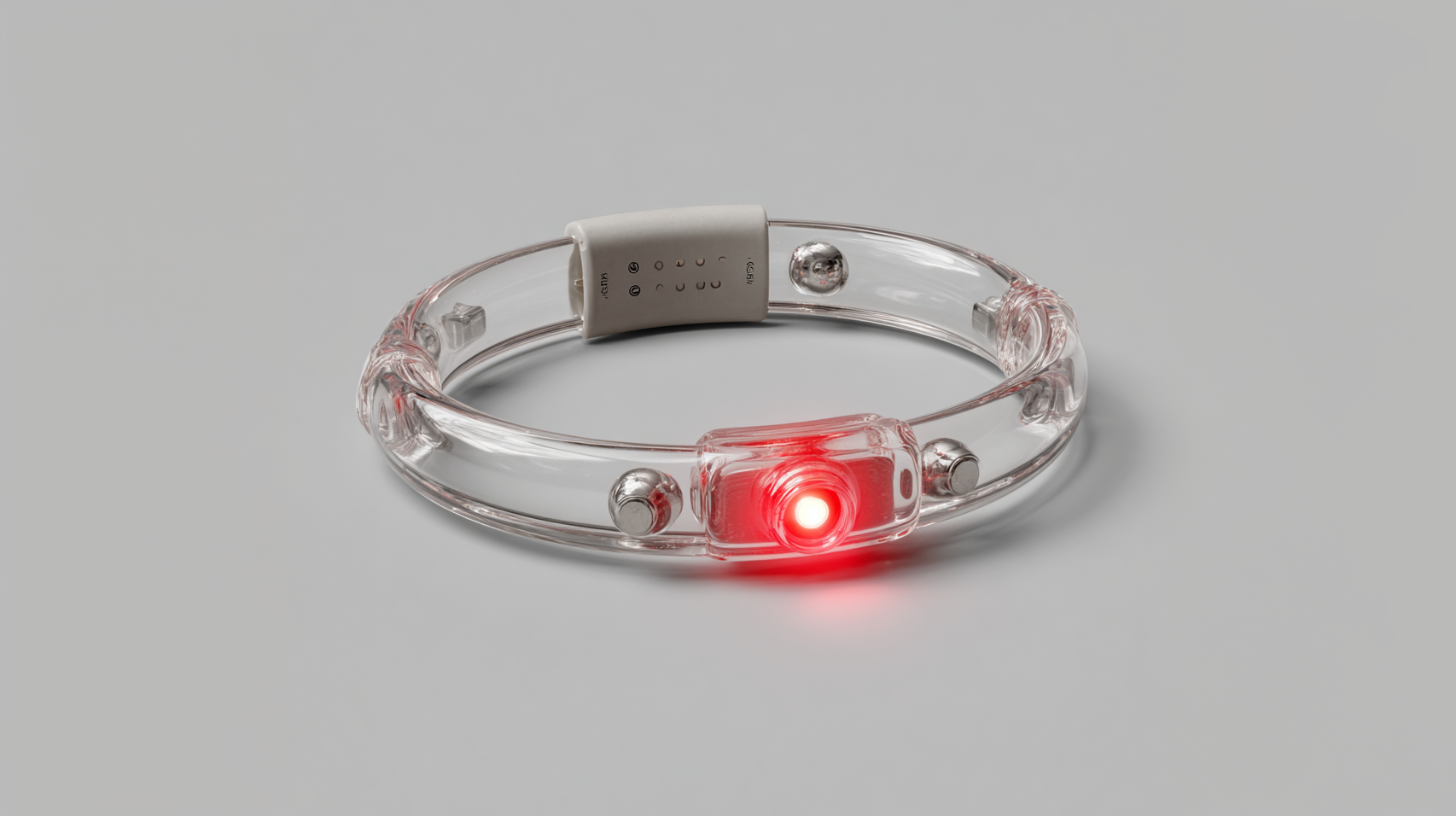
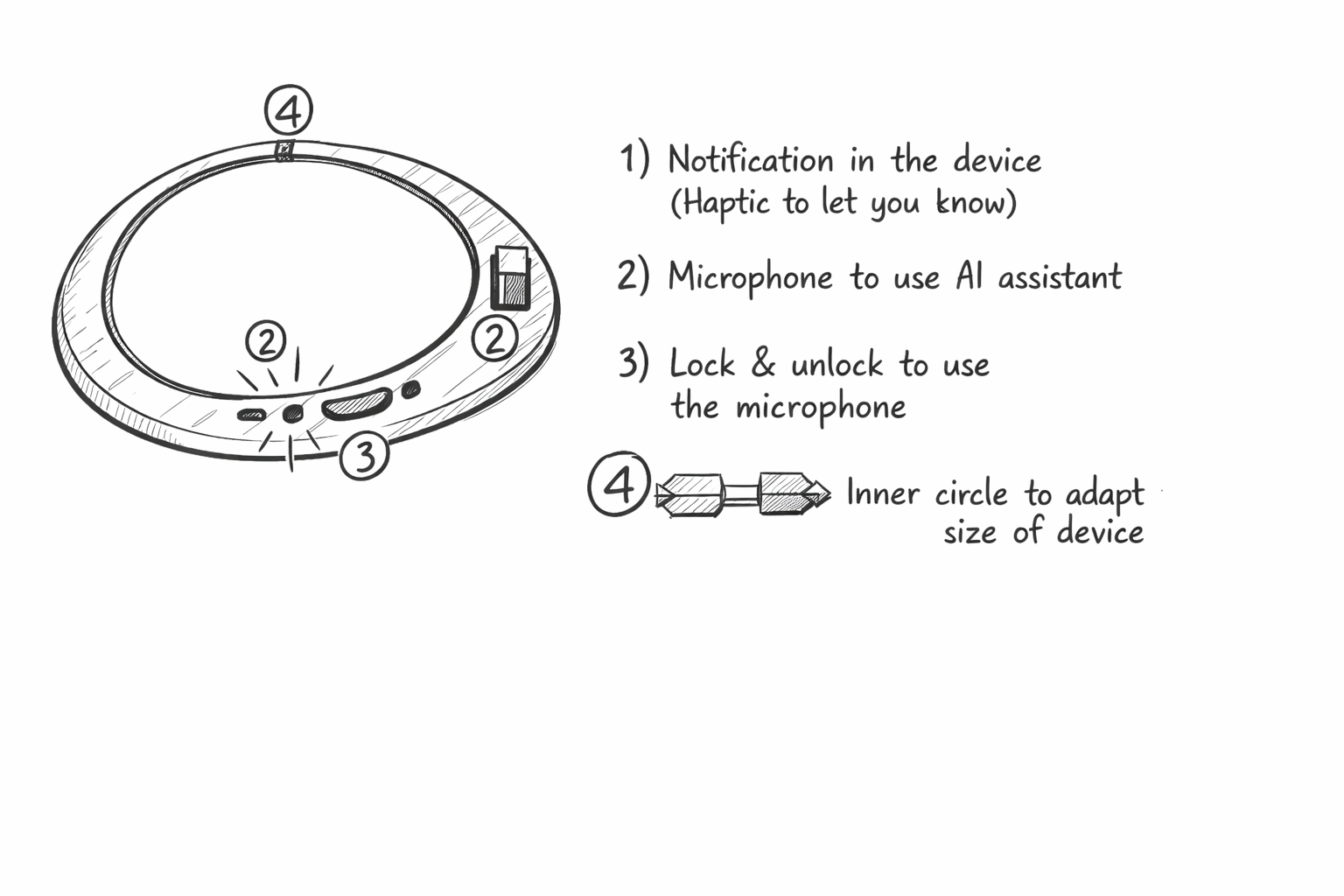
1-Create a device that users can wear on, first we thought on a collar or something and then we iterated to different wearables. each of them powered with AI, you press the button and it helps you learn anything, so it gives the users more independence, and they dont rely at some point on family and friends
2-An app that includes custom tutorials based on what the user knows and with gamification so Jose an Angeles keep on practicing
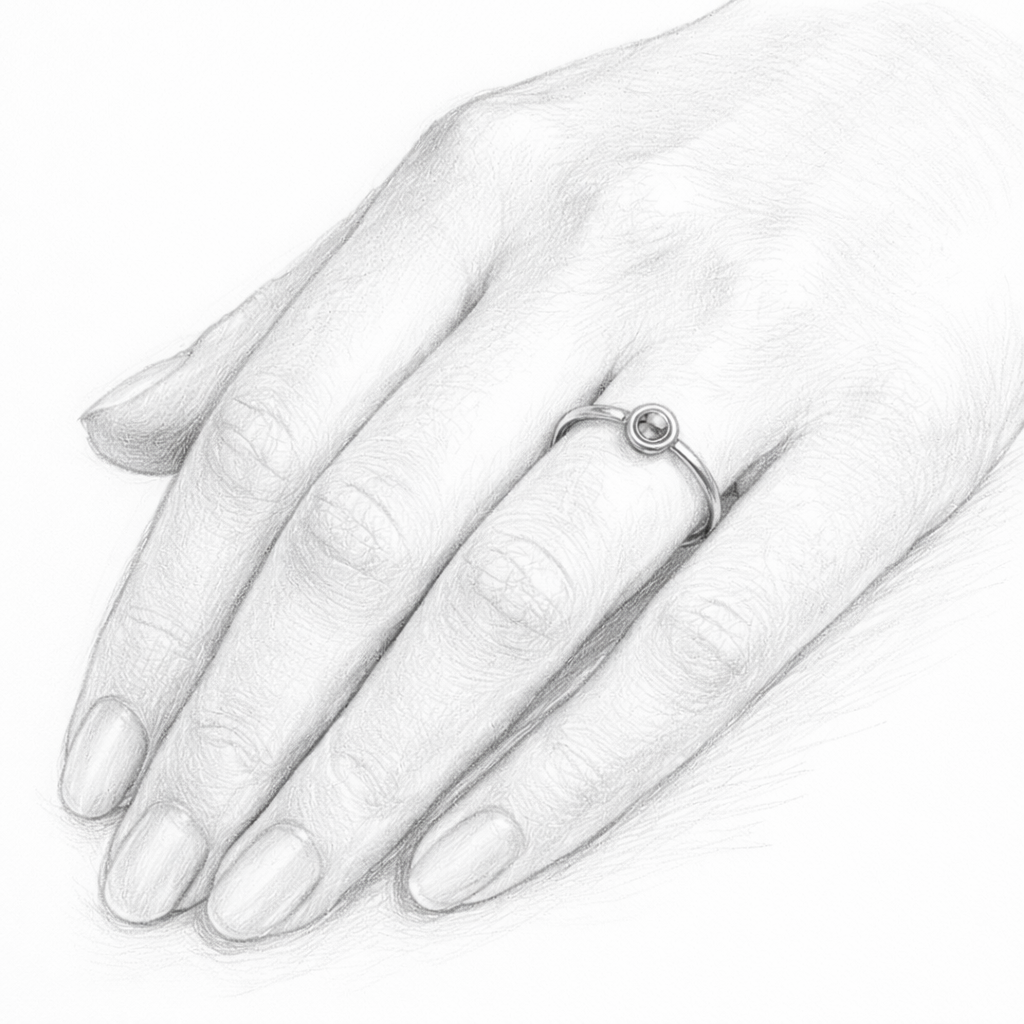
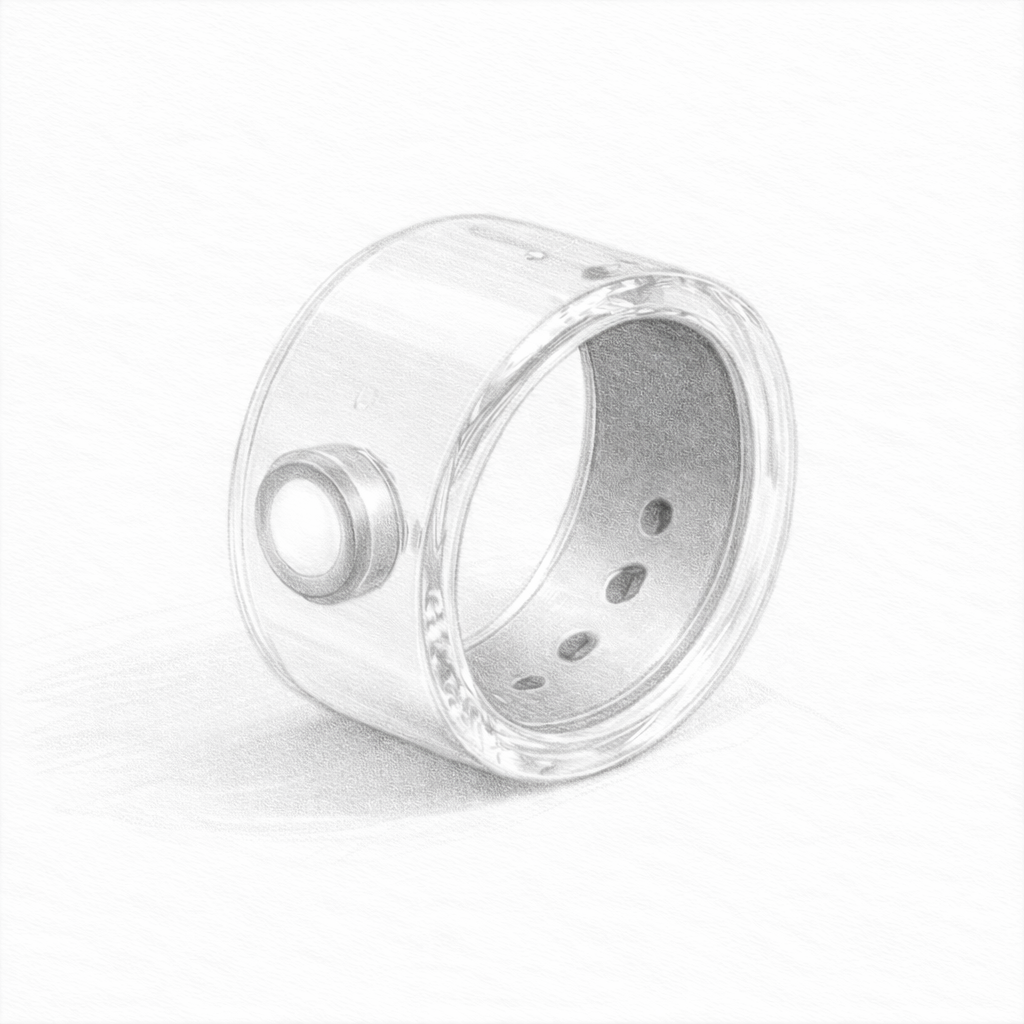
3-A ring which turns on when you get new tutorial ideas and send you an email with the new lesson.
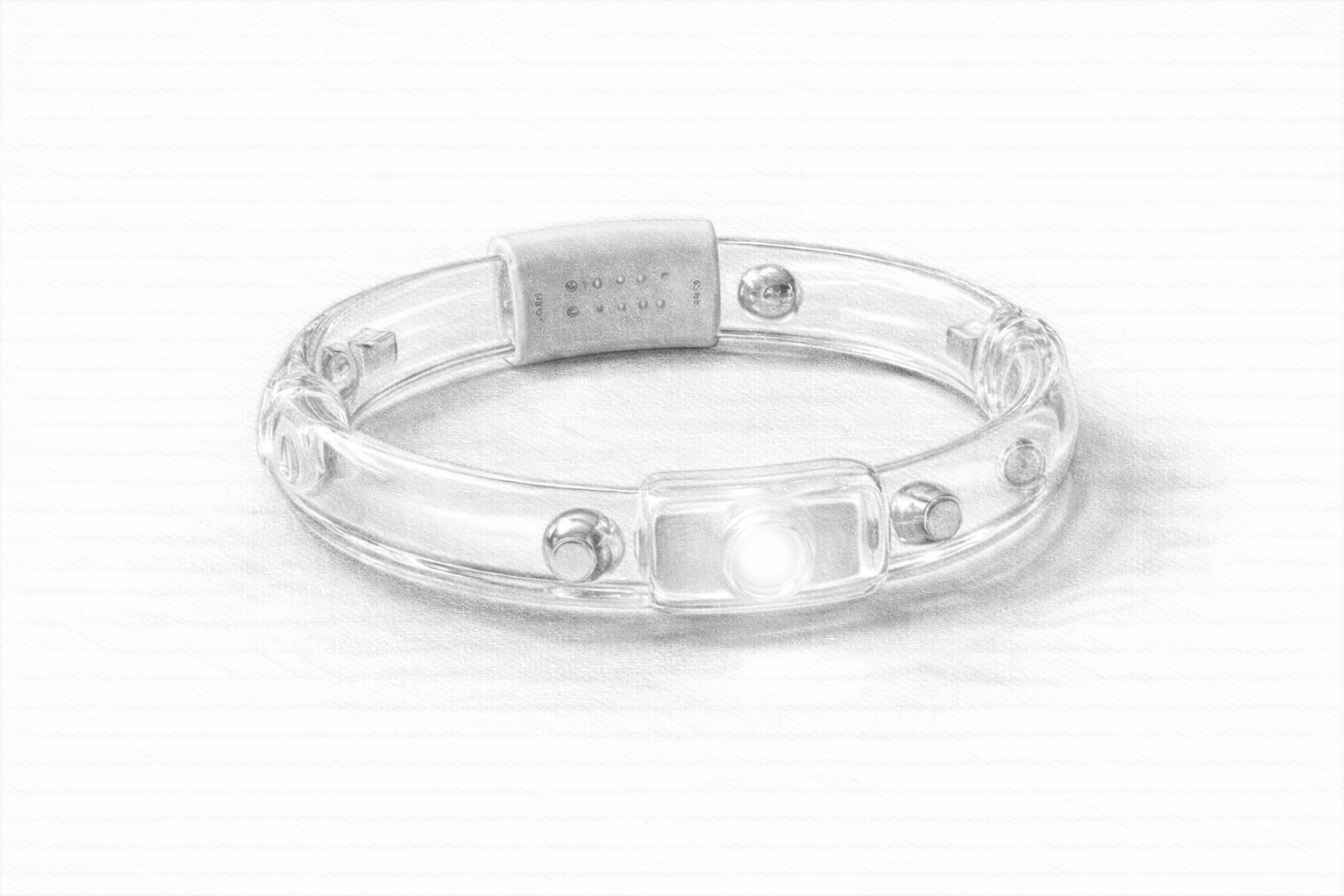
Using the art and supplies provided, and with one hour max timelines, I created quick mockups of the potential solution.
Working this way helped me to avoid the blank screen problem, and set the stage future iterations.
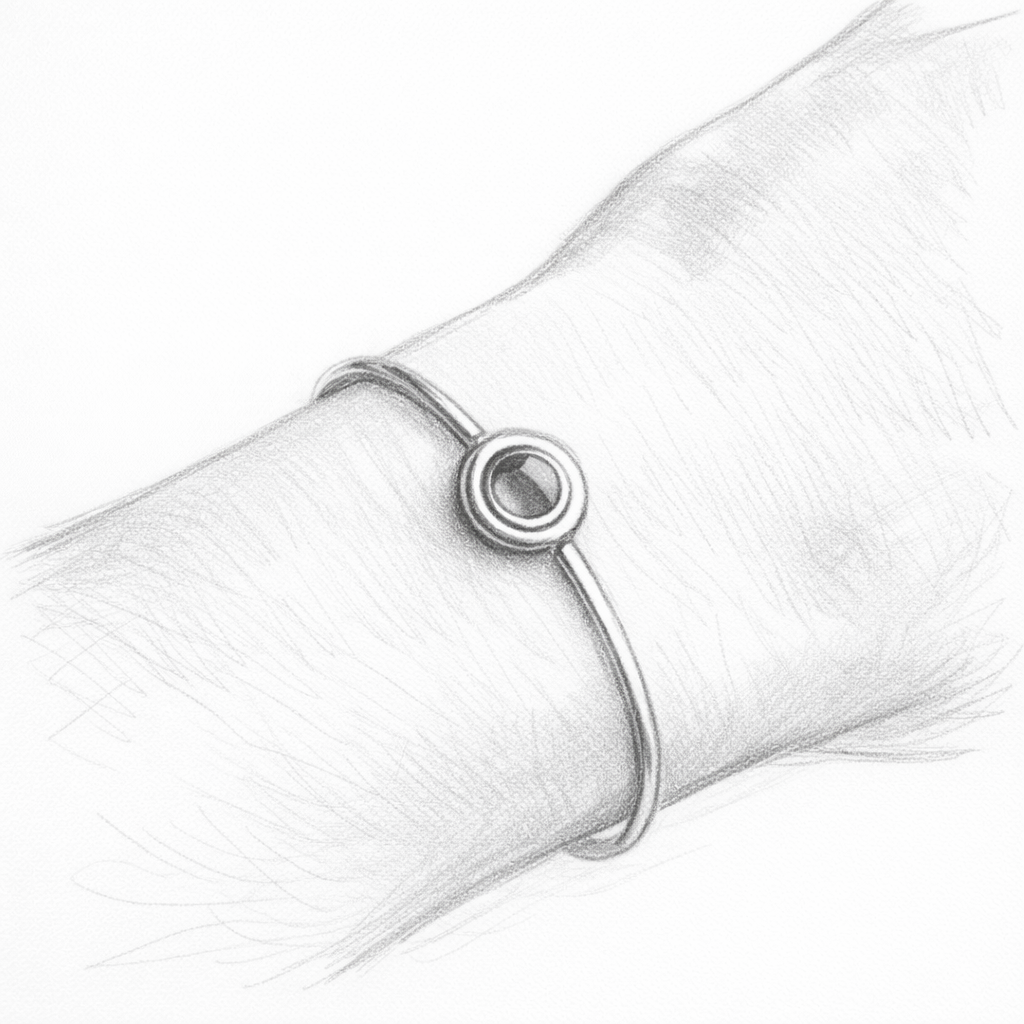
The final prototype I decided to create was this unisex bracelet, that creates a red blinking notification everytime a new tutorial is uploaded to the Amiko app. I created a mockup of this app using AI and although still with refinements and mentorings with IDEO, I feel happy with the final result.
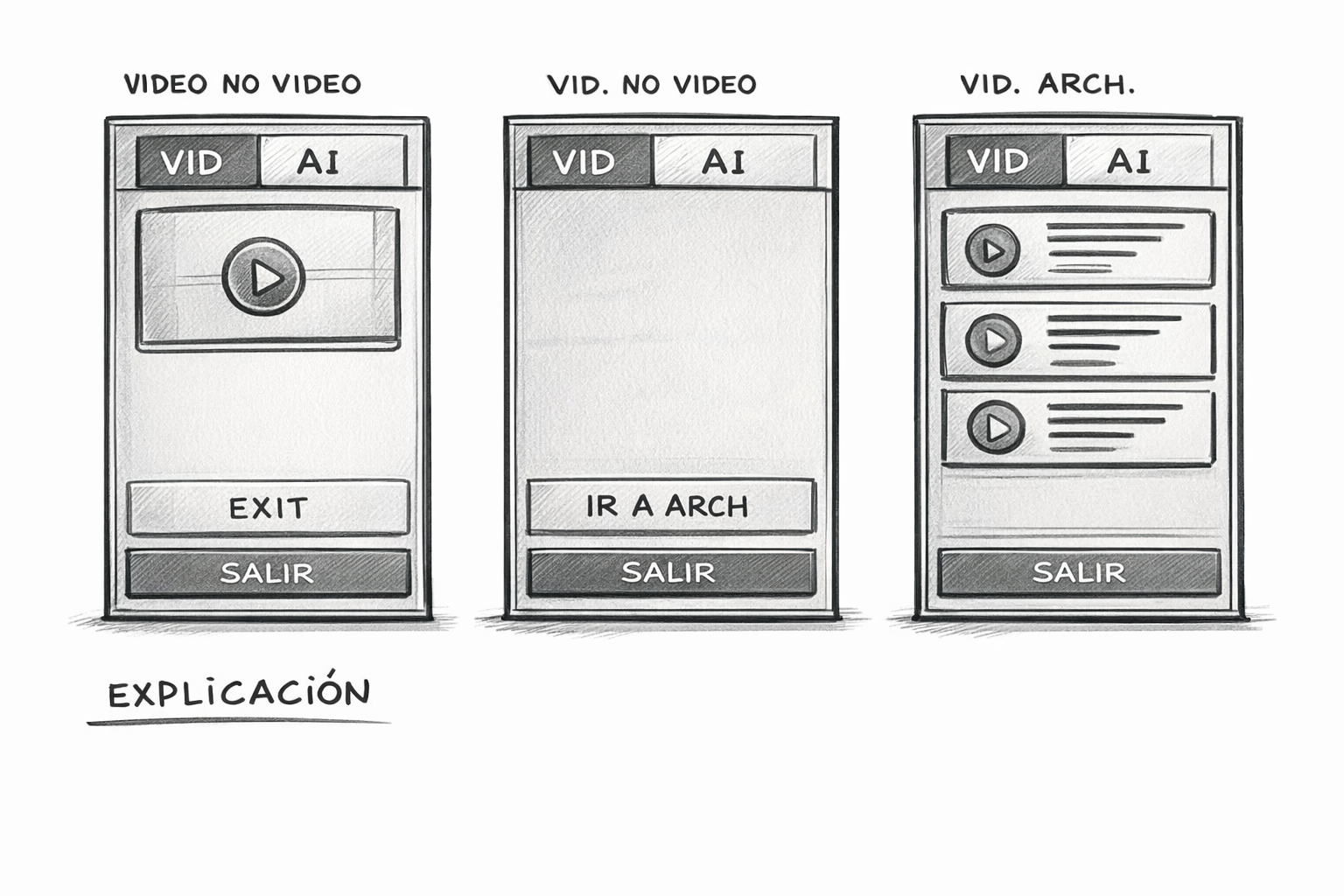
Complementing the bracelet, a app was needed that links hen the user gets the notification as a signifier of a new tutorial uploaded.
Using AI I created a mockup for how the app could be, so IDEO could have a global idea on how the brief was conceptually and visaully solved.