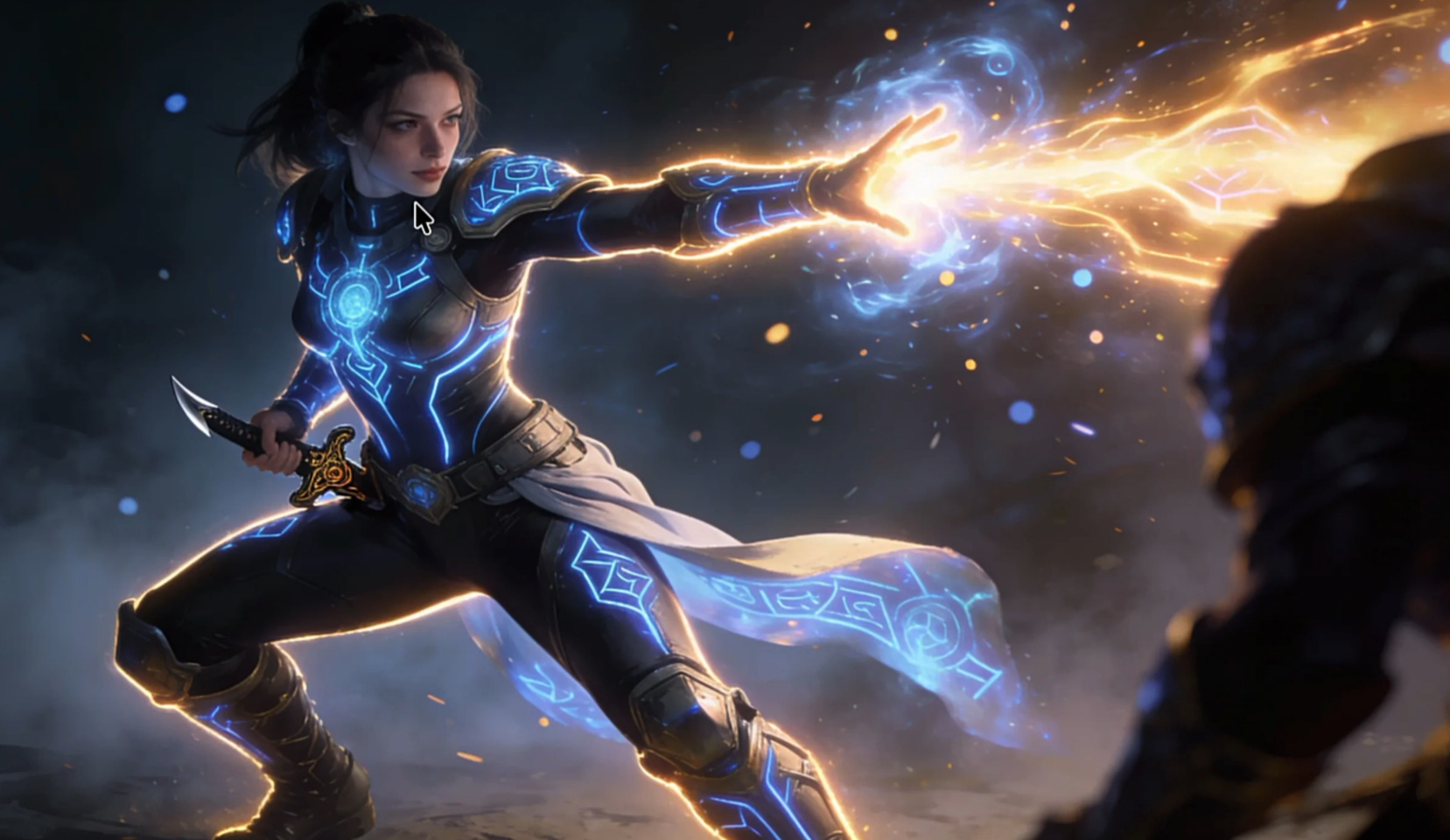

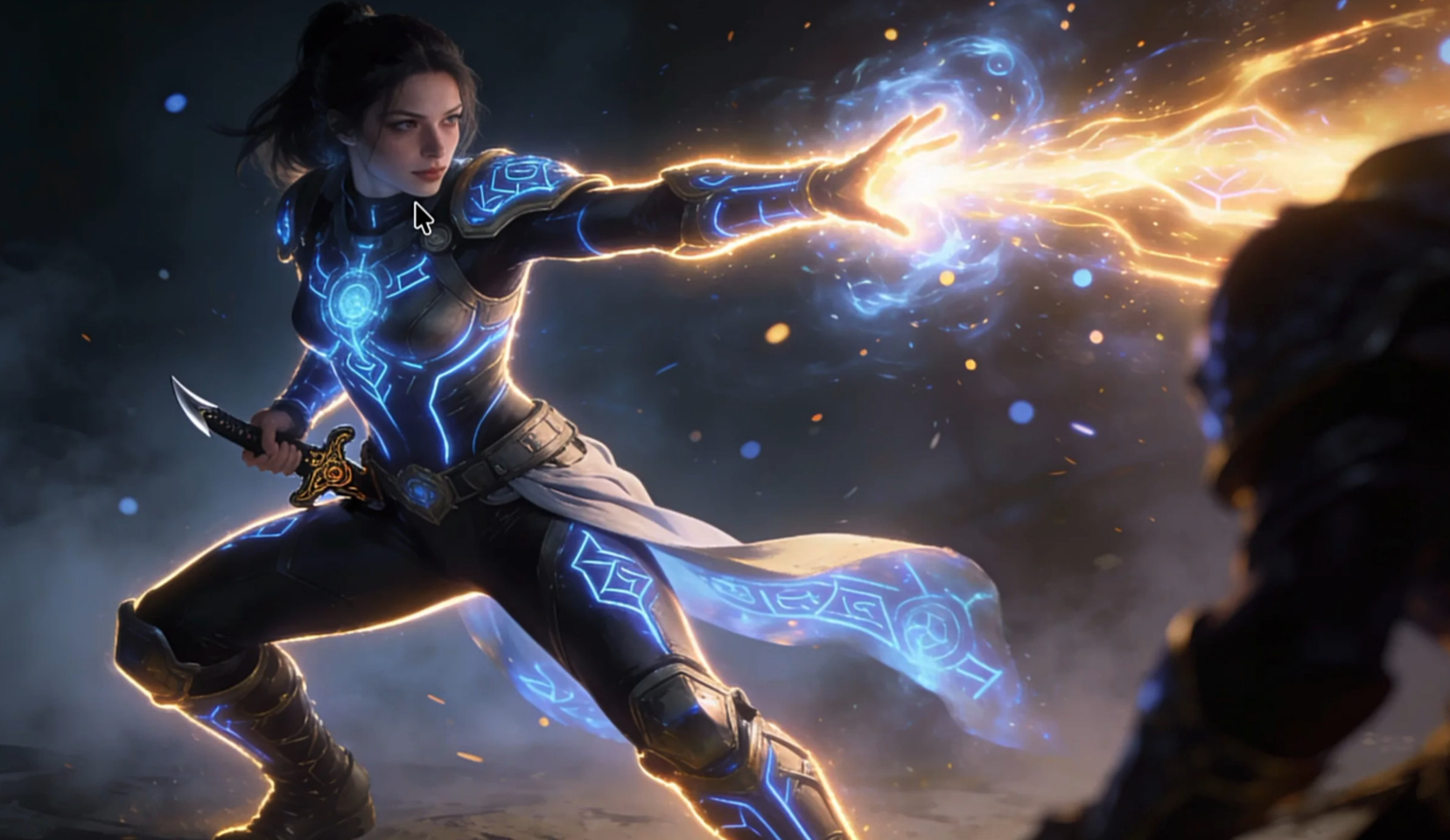
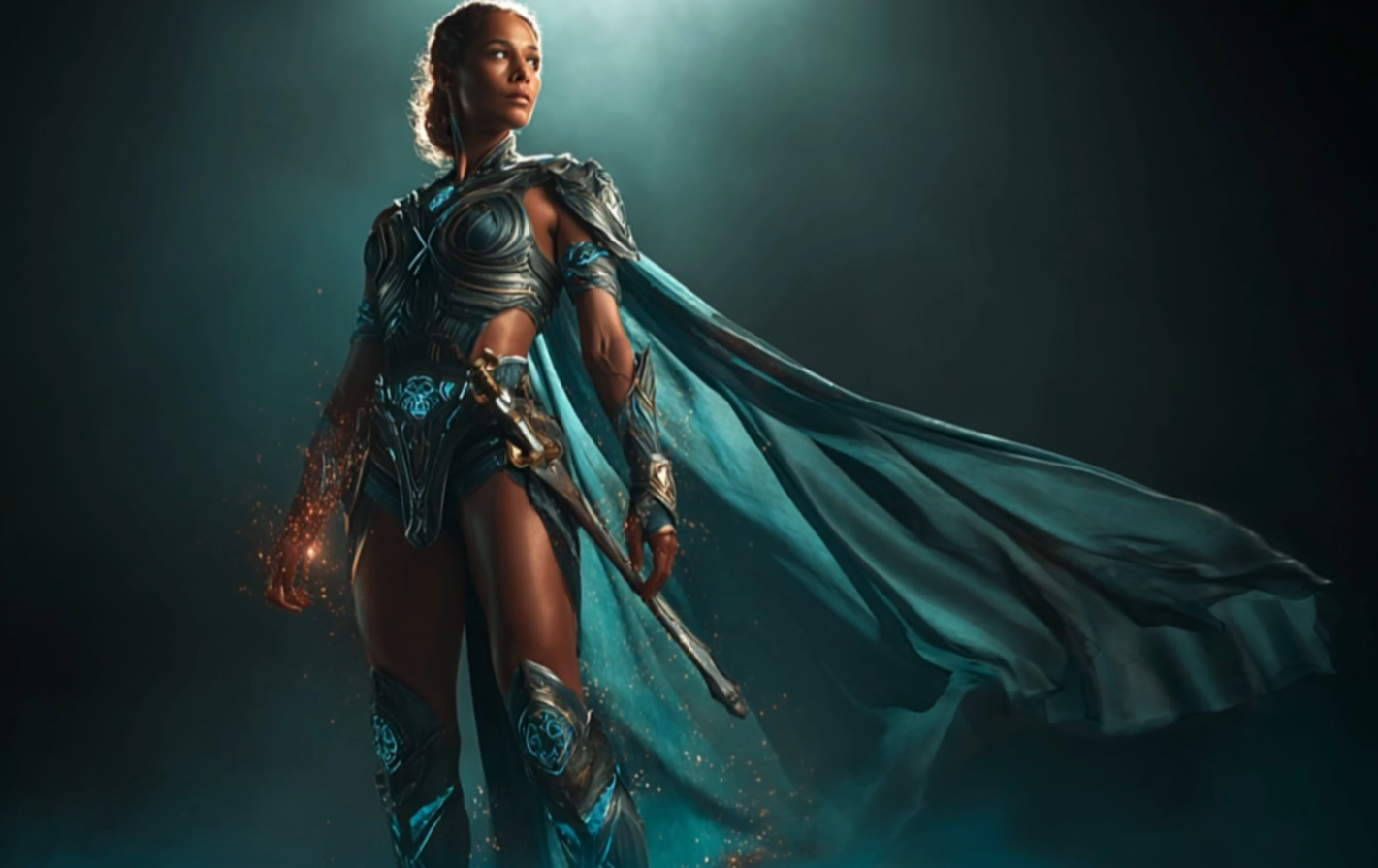

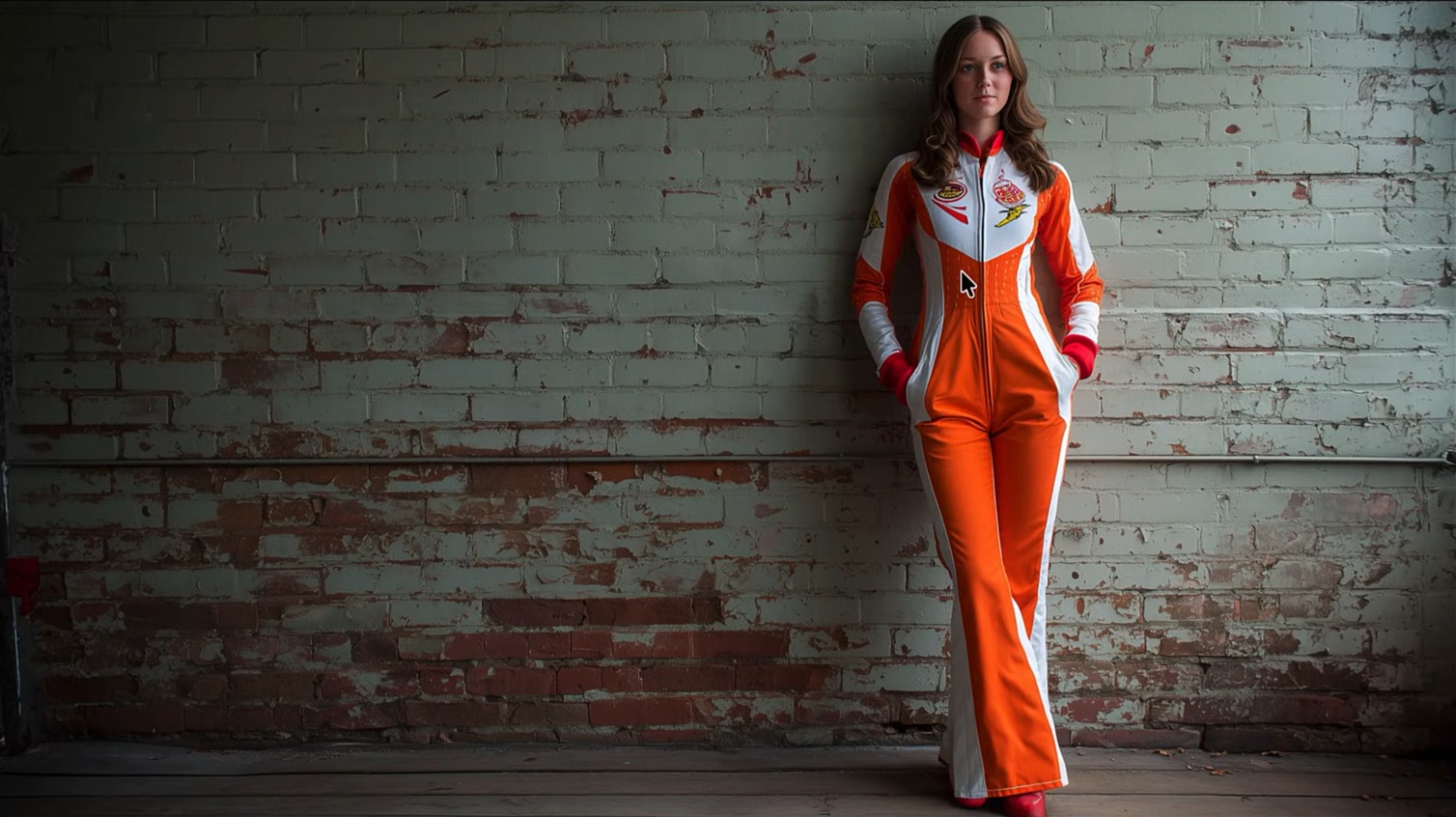

As part on how can AI improve worload I started using differnt models, started with ChatGPT for text prompts, Midjourrney for i image generation and description and then with different creative examples of node based systems, in this example Flora, as it provides a smooth non linear workflow.
Using the describe function from Midjourney I extracted the prompt from Freepik style image, and pasted it to Flora, to make i t more attractive through the list of image modes it encompases.
After that it is a good practice to create variations and test back and forth with different tools, I was surprised best results were achieved in Midjourney, with a more professional cinematic details, such as color, texturization, or ligthtning,
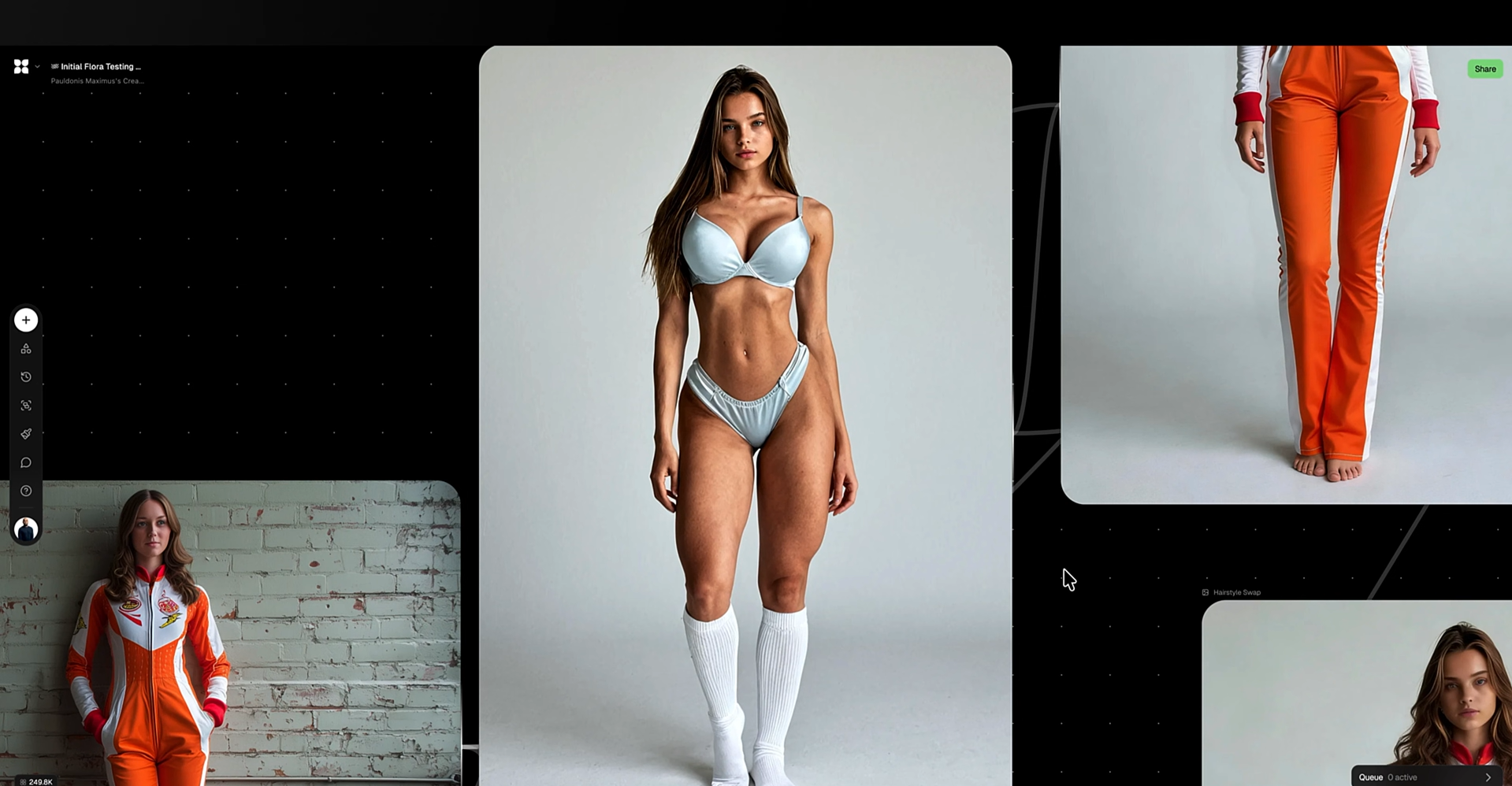
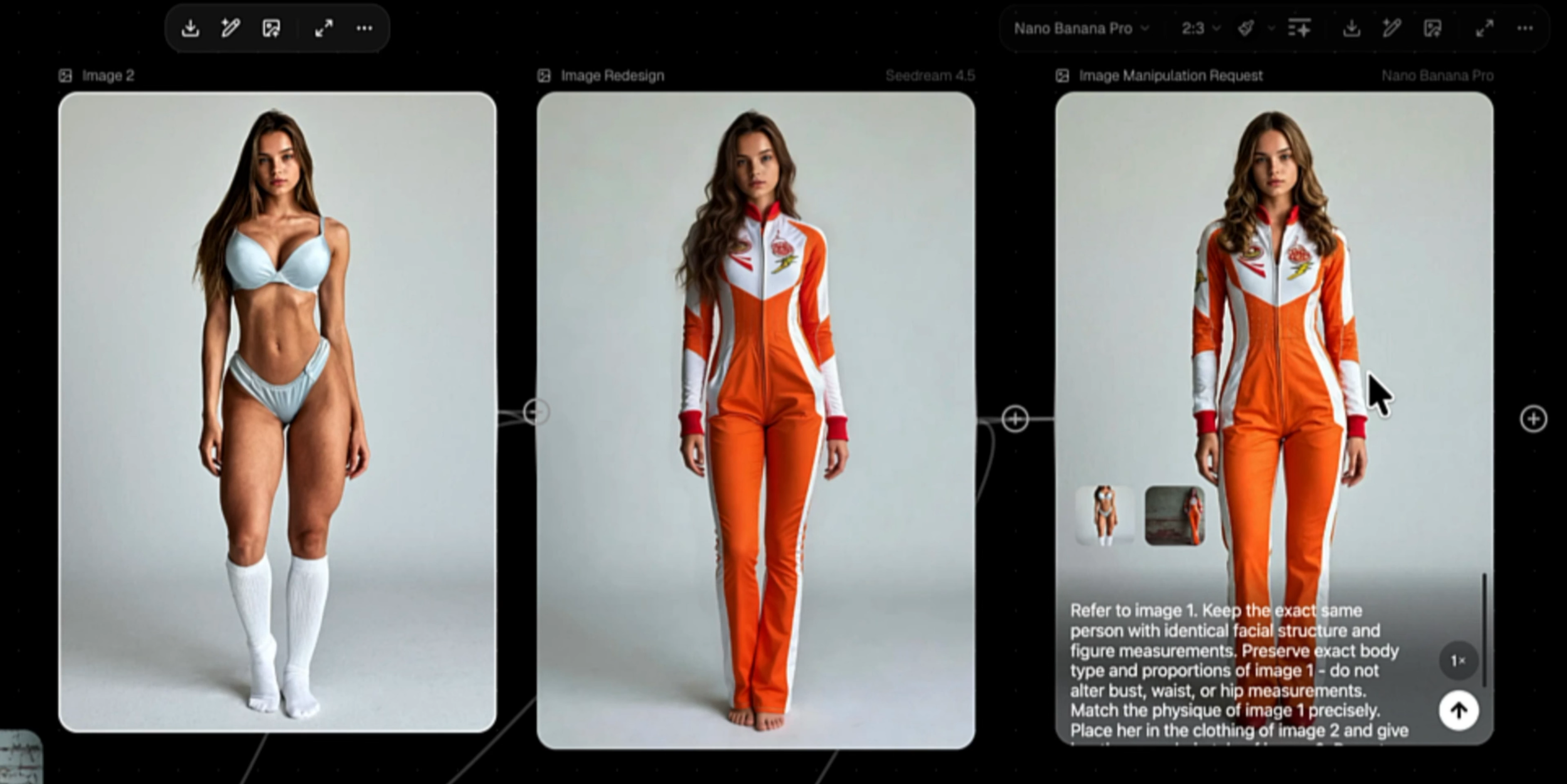
Another approach I explored was transferring a specific styling onto a different model. This technique is especially effective for Instagram content or print campaigns, where you may want to visualize how an outfit translates across different faces and identities before production.
“Refer to image 1, keep the same exact same person, with identical facial structure, and figure measurements. Preserve exact boby type and proportions, and match the physique of image 1, Place her in Image and give it the exact look”
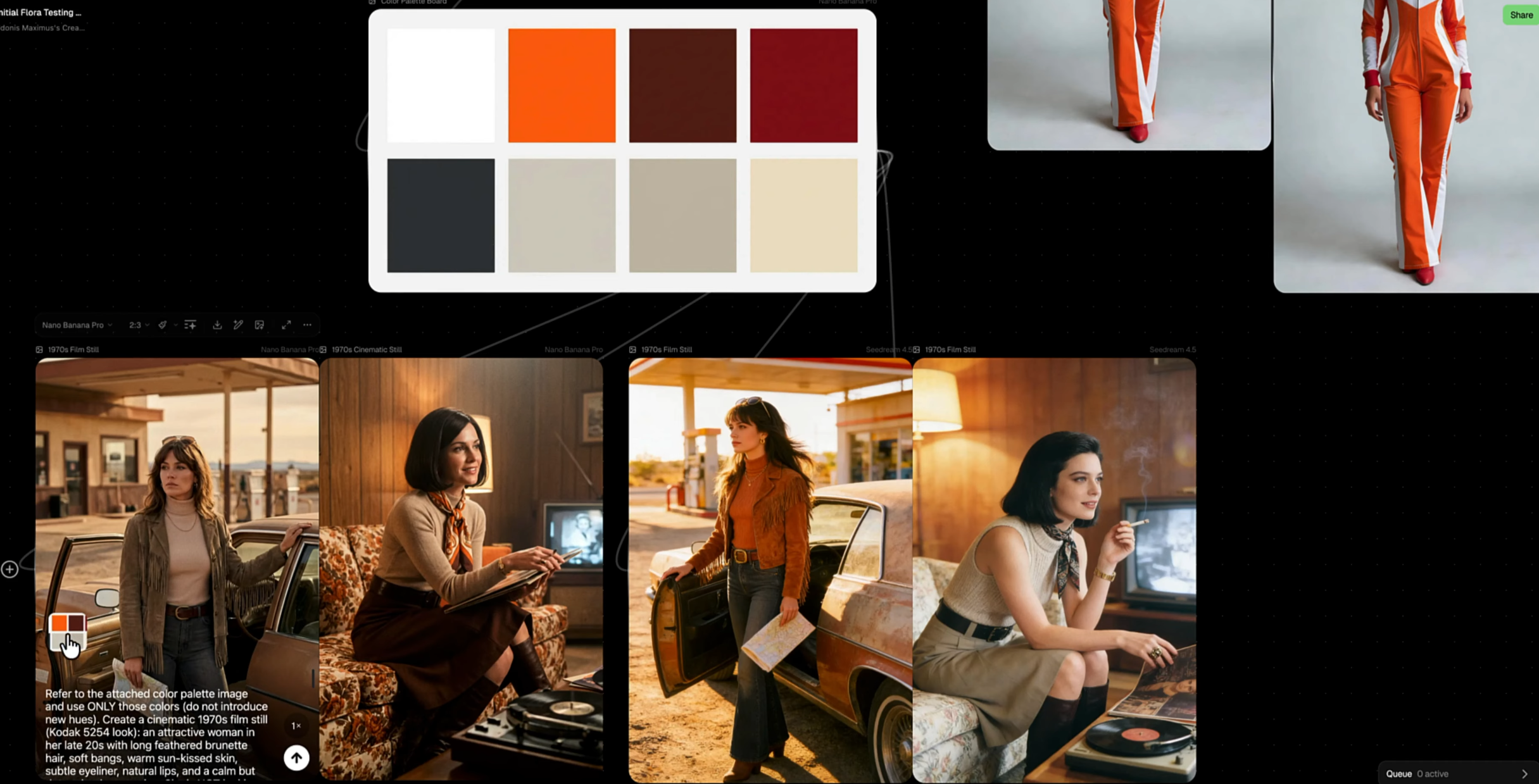
I used the main image as a visual reference and leveraged Flora to extract its dominant colors into a cohesive palette. By applying this palette to a new standard image node and crafting a refined prompt, I generated four variations that successfully preserved the original aesthetic